6 posts tagged with "Download"

View All Tags

November 5, 2026: Hide date, attendees and location in downloaded documents per meeting template

· 2 min read
Gianni Piruzza
Marketing Manager

Each meeting template now decides whether downloads show the meeting details. The new Meeting details in documents switch controls the block with date, time, attendees and location that Sally adds below the title of every downloaded document.

That helps if your template already has a section of its own with these details, such as "Basic information". Until now they appeared twice in the document. Turn the switch off, and the automatic block disappears while your own section stays.
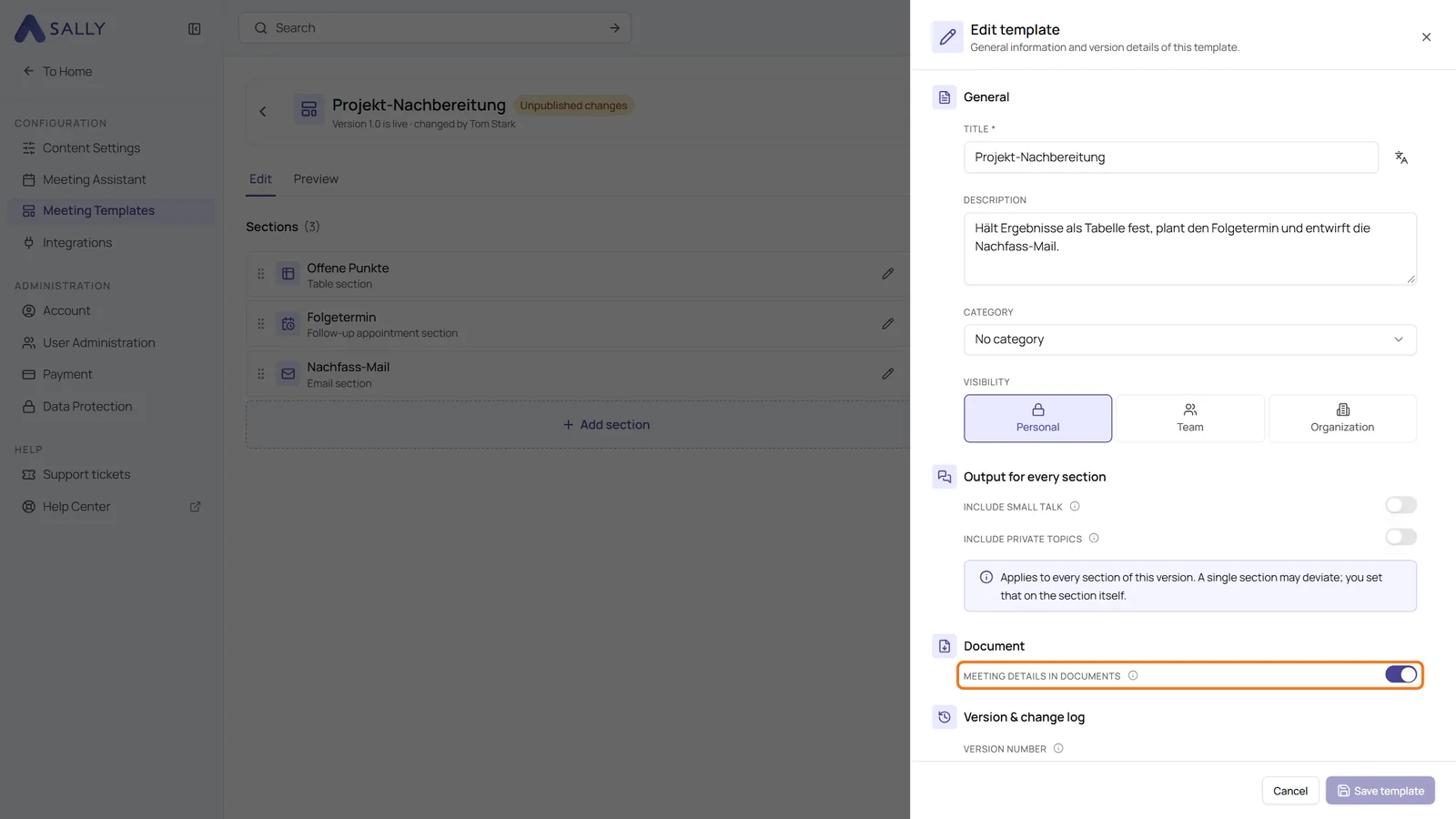
Edit template panel with the Document section, the Meeting details in documents switch is highlighted
The Meeting details in documents switch in the template settings

March 16, 2026: Fonts for downloads

· One min read
Gianni Piruzza
Marketing Manager

More control over your downloads! ✍️

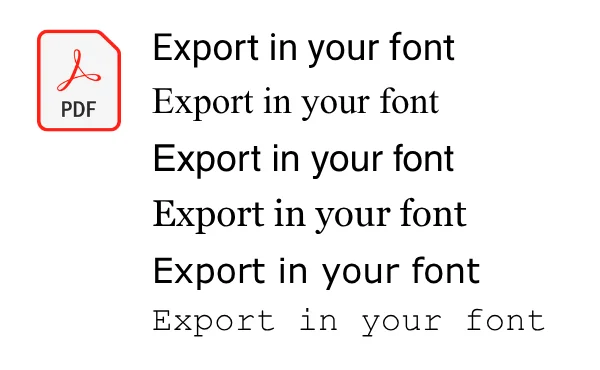
You can now choose the font of your exported documents, for a consistent look that matches your style or your company.

Select fonts in Sally
Choose the right font for your downloads directly in Sally

February 27, 2026: Export page numbers

· One min read
Gianni Piruzza
Marketing Manager

Page numbers are now available for exported reports! 📄

You can now choose whether your Sally meeting reports should include page numbers or not.

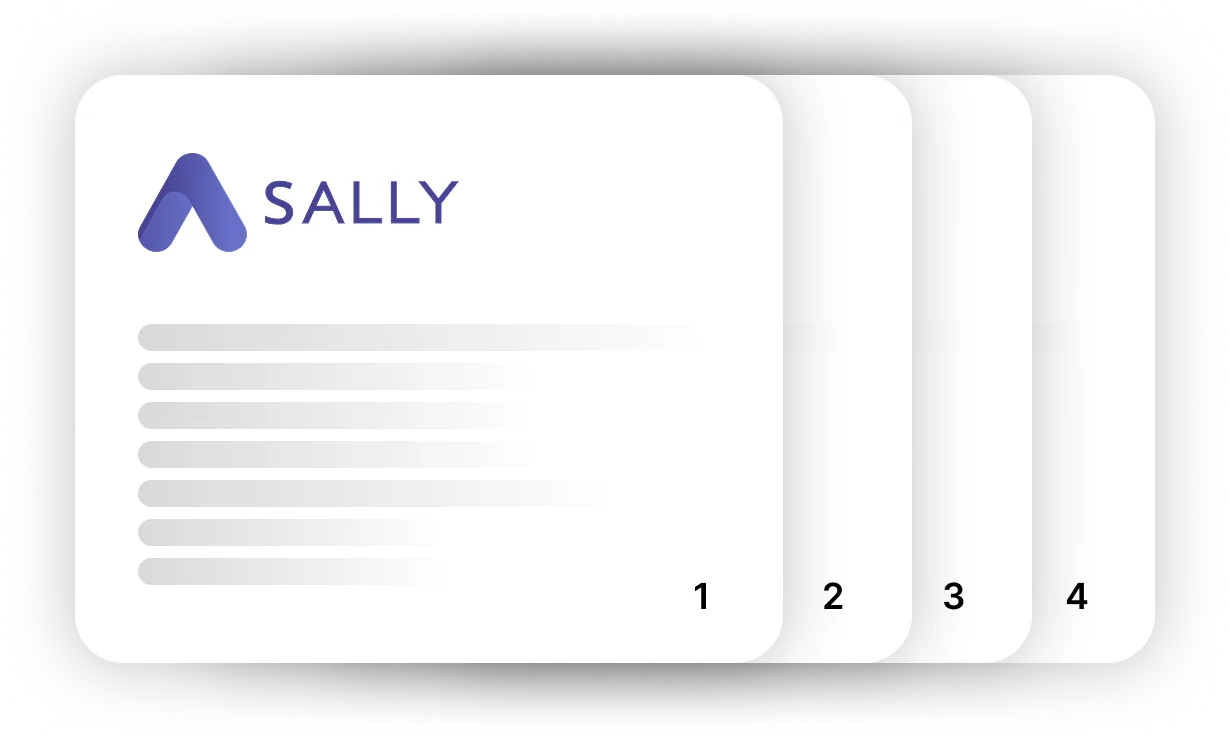
Illustration of four stacked report pages with the Sally logo, numbered 1 to 4 in the bottom right corner
Turn page numbers on or off for exported documents