August 19, 2026: Tags
· 2 min read

Tags are here: you can label your meetings and recordings with your own color-coded keywords 🚀
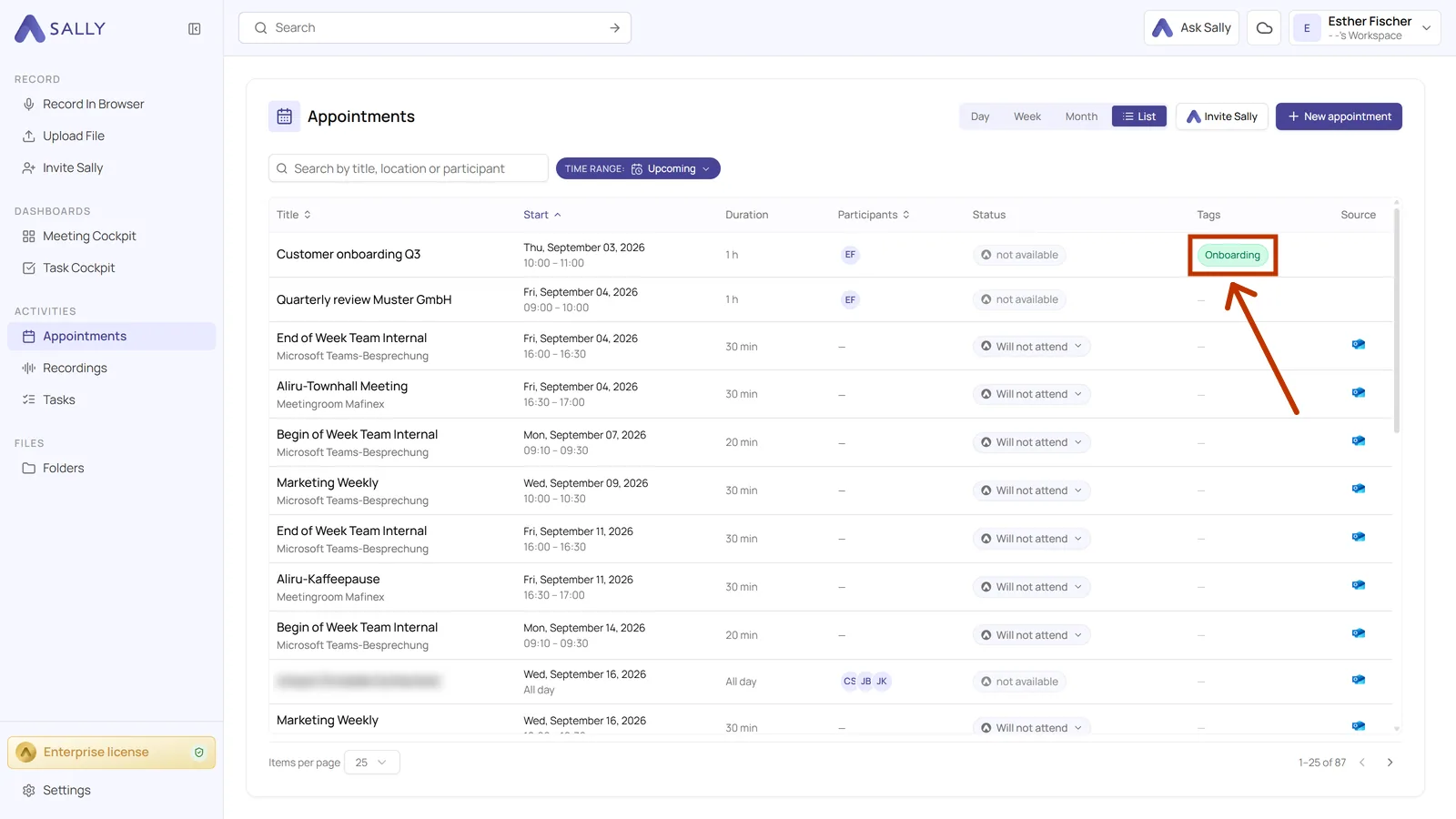
Customer, onboarding, internal: the tag sits on the meeting, and everyone in your company works from the same list. Sally can also set a tag herself, whenever a word you defined appears in the meeting title.
What's new?
- One list for the whole company: Tags are created once in the content settings with a name and a color, and everyone in the organization account sees and uses the same list
- Assign in two clicks: You set a tag on the appointment or on the recording, and you can create a missing tag right there
- Automatic from the title: Give a tag a keyword and Sally sets it on its own on every new meeting with that word in the title
- Visible where you work: Appointments and recordings show their tags in the list, and the tag overview counts how many meetings carry each one
- Ready for automations: A tag can be the condition of a rule. One word in the title is enough, and Sally sets the tag, fires the rule and files the recording in the right folder on its own
👉 Want to learn more? Check out our guide to tags.