April 14, 2026 - Multi-Factor Authentication
Protect your Sally account with an extra layer of security. 🔐
Enable multi-factor authentication (MFA) to require a one-time code from an authenticator app every time you sign in.
Protect your Sally account with an extra layer of security. 🔐
Enable multi-factor authentication (MFA) to require a one-time code from an authenticator app every time you sign in.
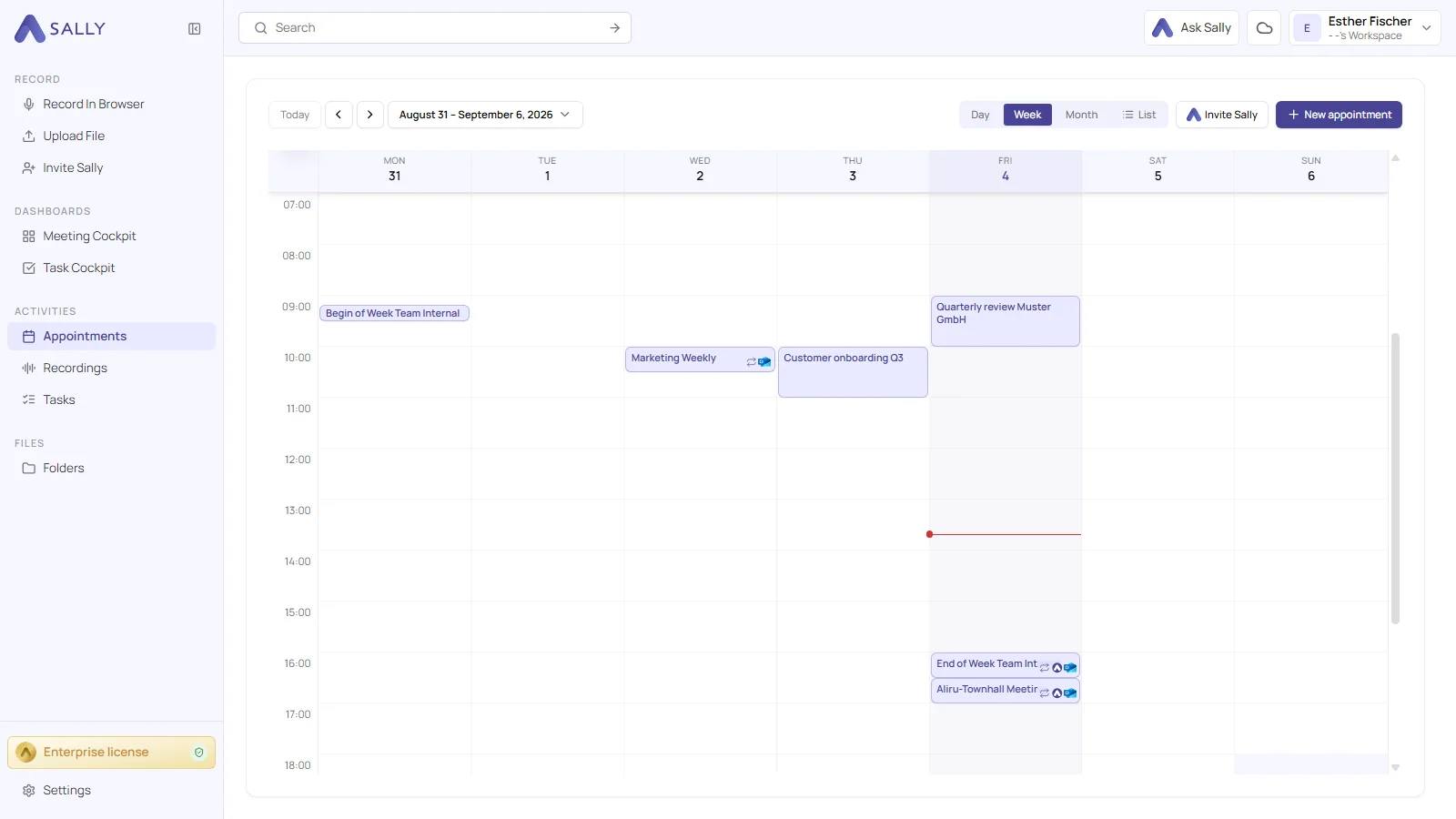
You can now mark calendar events as private, and Sally will respect it.
If you set a meeting as "private" in your calendar, Sally will automatically skip it and not join. This gives you full control over which meetings Sally attends.
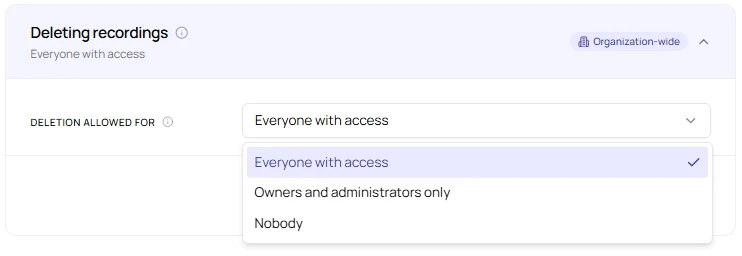
Full control over what gets deleted and when, now for each data type separately. ✨
Set individual retention periods for transcripts, audio & video, summaries, appointments, and log data. Each one on its own schedule.
Add hundreds of vocabulary entries at once, with a simple Excel upload. ✨
No more adding terms one by one. Download the template, fill in your vocabulary, upload the file, and you're done.
Sally can now improve your prompts for you — powered by AI. ✨
Introducing Ask Sally: describe what you want to change, and Sally rewrites your Custom Insight prompt instantly — no prompt-writing expertise needed.
More control over your downloads! ✍️
You can now choose the font of your exported documents – for a consistent look that matches your style or your company.
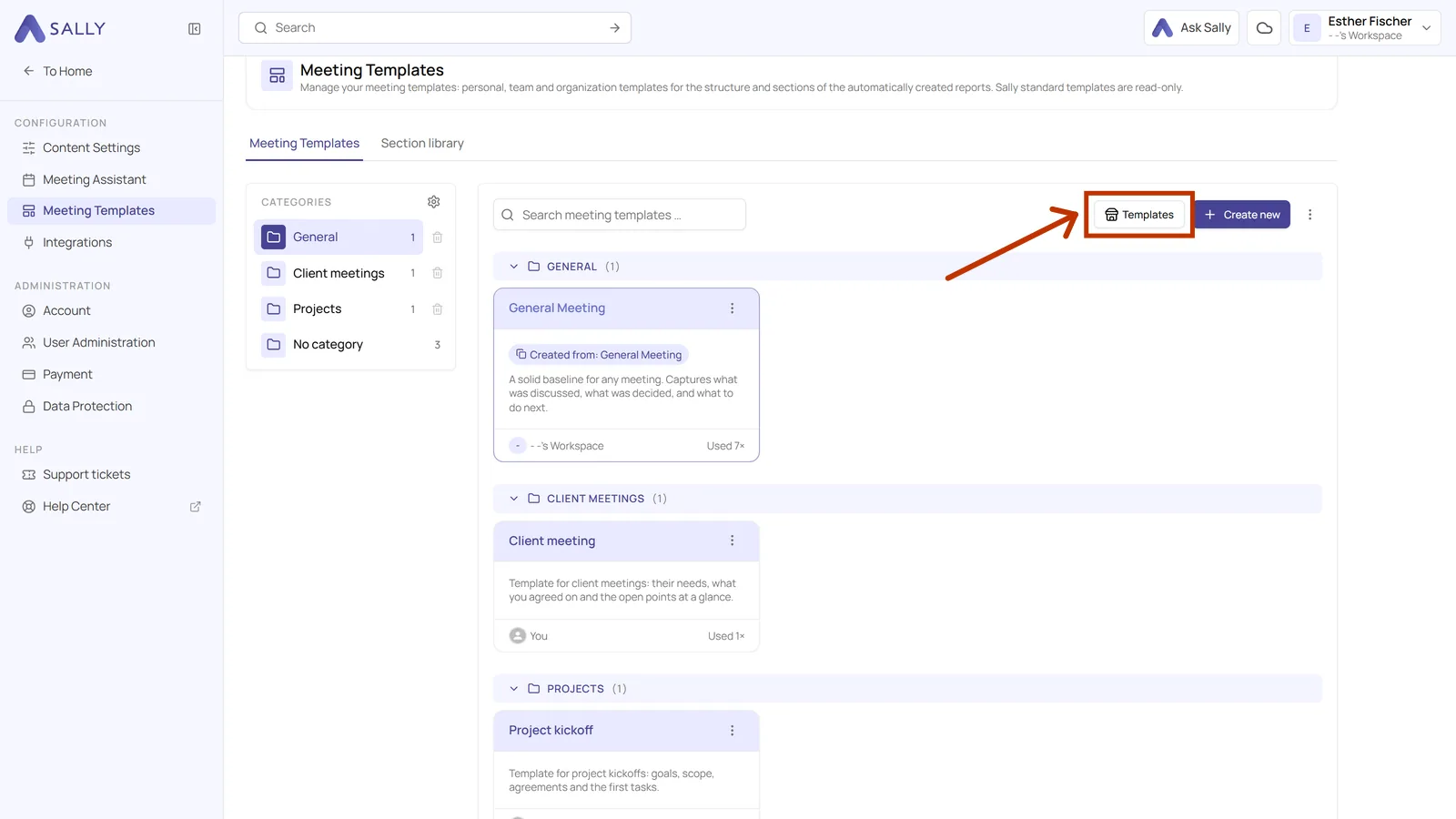
New: Prompt Templates for Custom Insights are here! 🎉
No more starting from scratch — Sally now comes with ready-made prompt templates for the most common use cases. Just pick one, customize if needed, and you're done. ⚡
You can now download summaries and transcripts as Markdown (.md). 🎉
This makes it easier to reuse meeting documentation in documentation systems, knowledge bases, developer workflows, or AI pipelines.
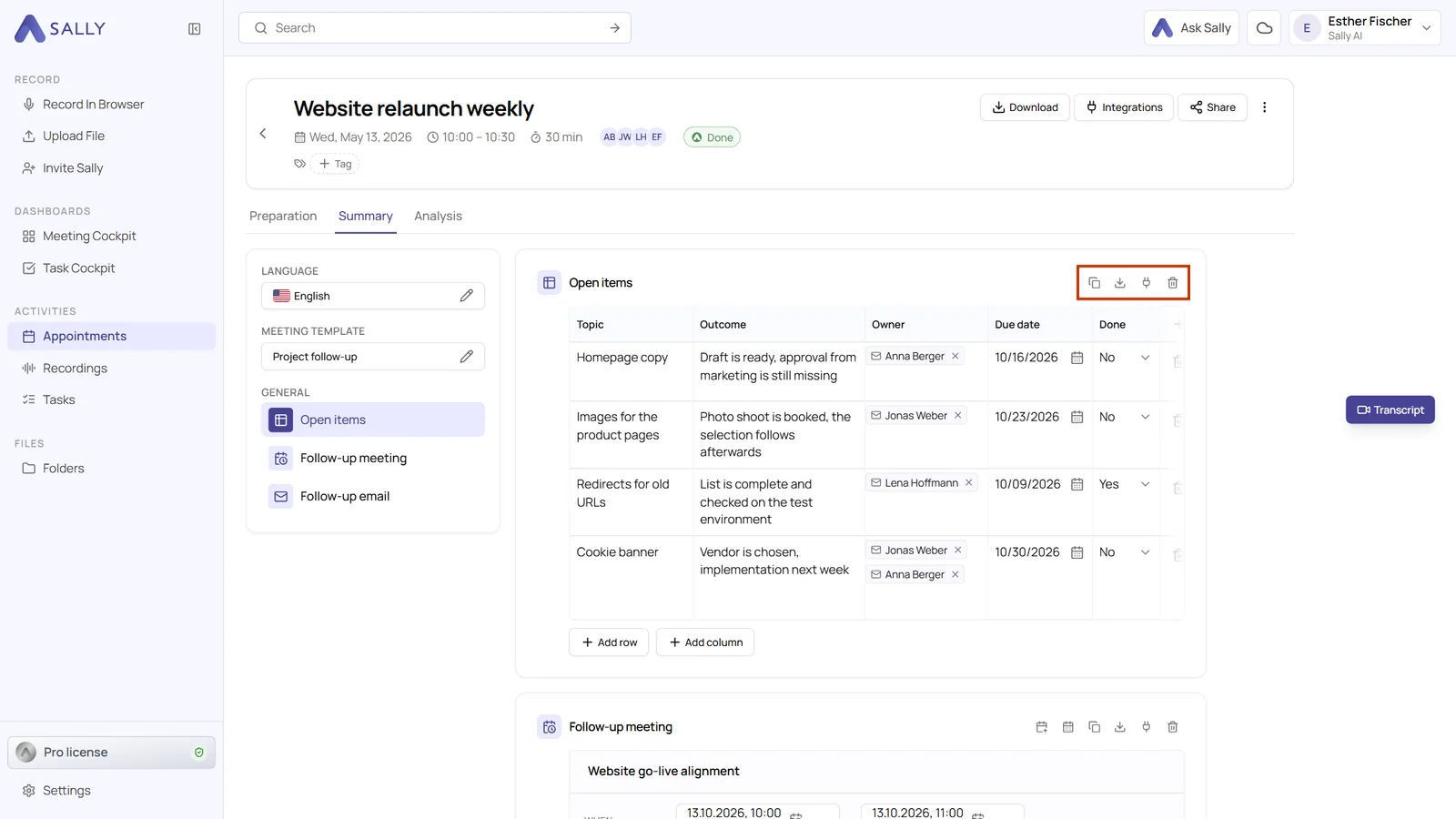
You can now download individual sections of your meeting summary separately - exactly the way you need them.
Only need the detected tasks as a PDF?
Want to document just the decisions of a meeting as a Word file — without exporting the entire summary?
Now you can.
Page numbers are now available for exported reports! 📄
You can now choose whether your Sally meeting reports should include page numbers or not.