March 16, 2026 - Fonts for Downloads
More control over your downloads! ✍️
You can now choose the font of your exported documents – for a consistent look that matches your style or your company.
More control over your downloads! ✍️
You can now choose the font of your exported documents – for a consistent look that matches your style or your company.
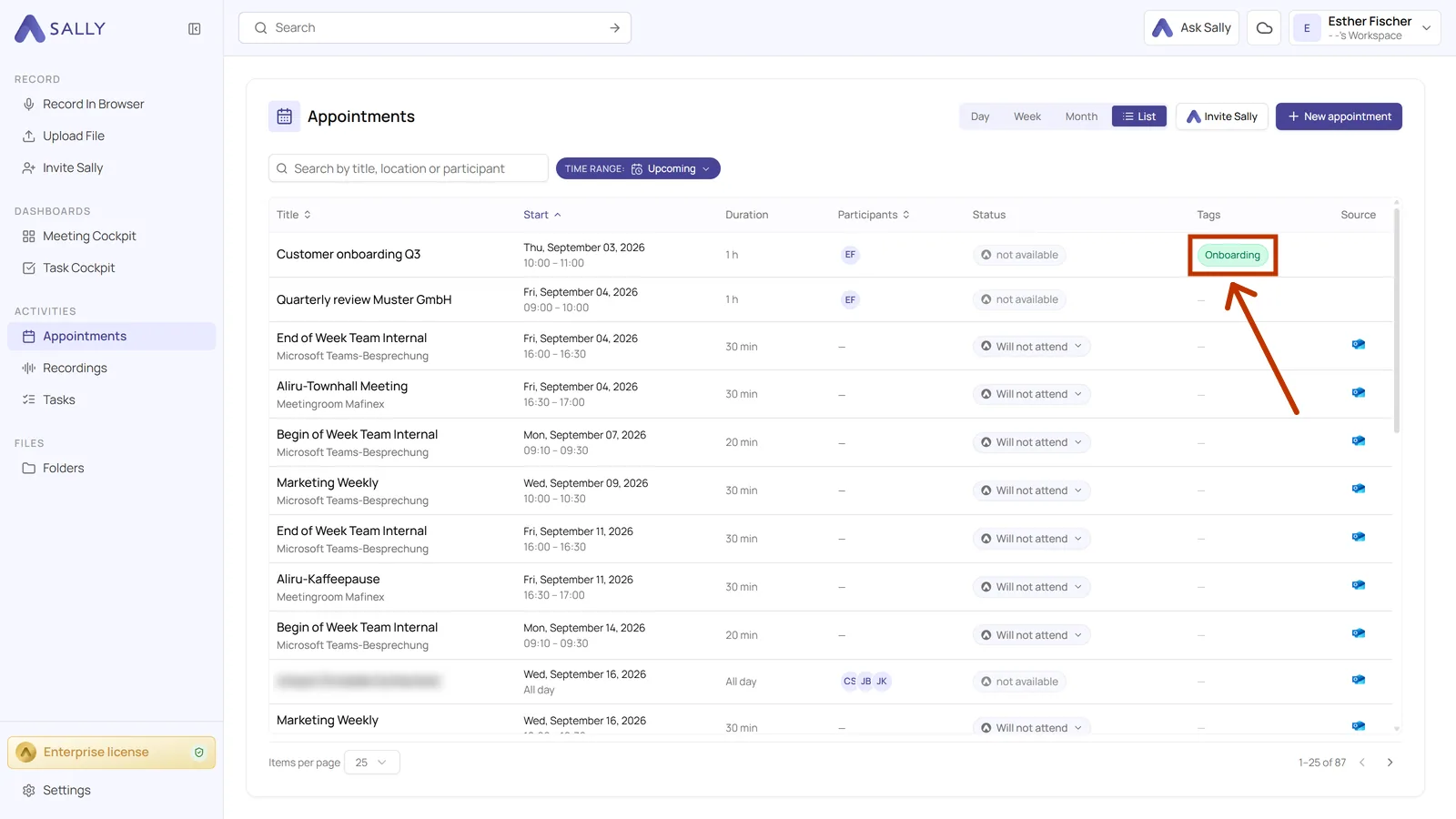
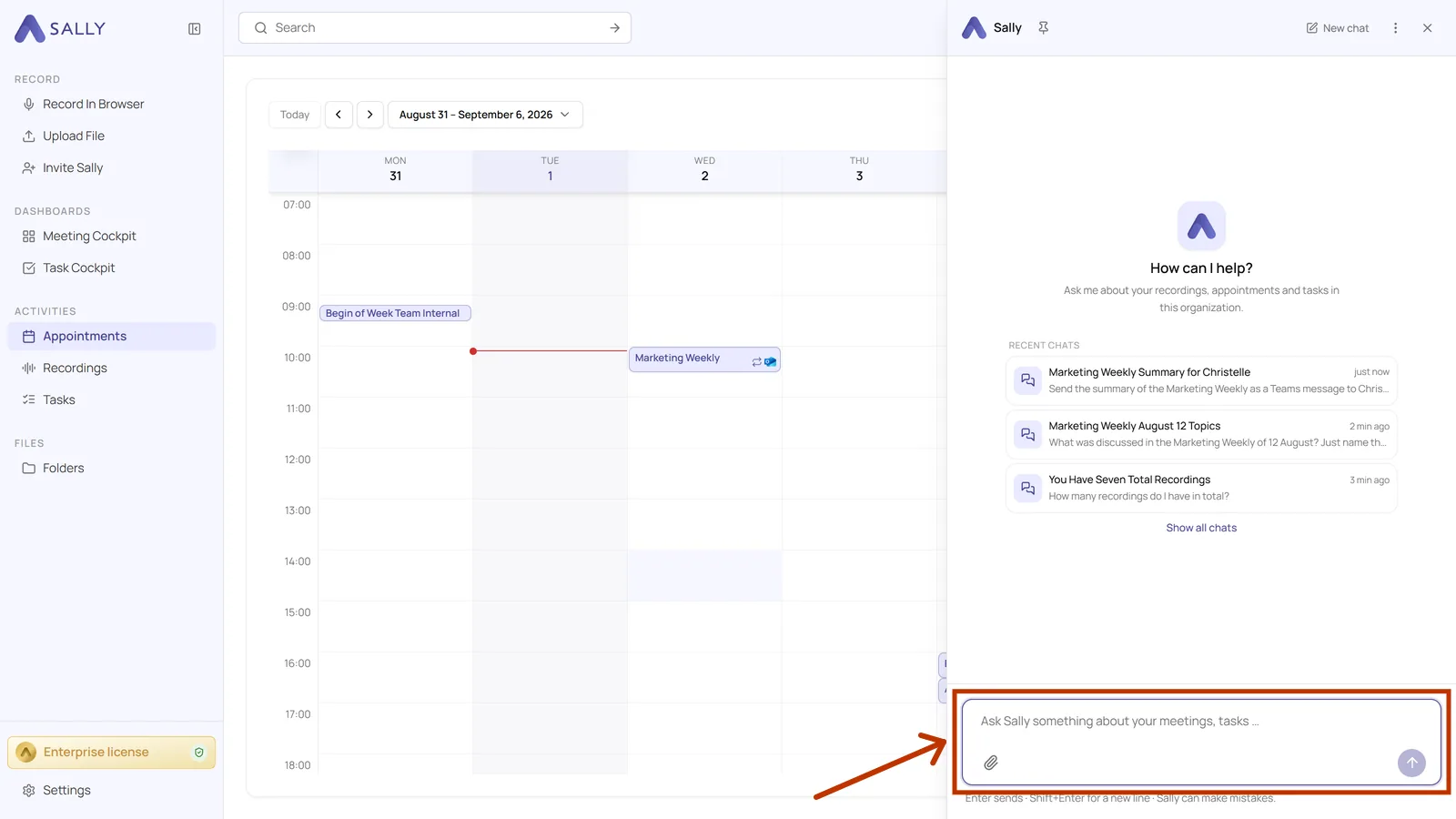
New: Prompt Templates for Custom Insights are here! 🎉
No more starting from scratch — Sally now comes with ready-made prompt templates for the most common use cases. Just pick one, customize if needed, and you're done. ⚡
You can now download summaries and transcripts as Markdown (.md). 🎉
This makes it easier to reuse meeting documentation in documentation systems, knowledge bases, developer workflows, or AI pipelines.
You can now download individual sections of your meeting summary separately - exactly the way you need them.
Only need the detected tasks as a PDF?
Want to document just the decisions of a meeting as a Word file — without exporting the entire summary?
Now you can.
Page numbers are now available for exported reports! 📄
You can now choose whether your Sally meeting reports should include page numbers or not.
Assigning speakers in transcripts and summaries is now easier than ever. 🎉
Instead of manually editing names in the text, you can simply select the correct speaker from a dropdown list.
You can now configure in the privacy settings how participants are notified before a meeting with Sally:
We’ve just released a new feature that gives you full control over how your meeting summaries are generated. Instead of receiving a one-size-fits-all recap, you can now fine-tune exactly what Sally should capture — and what should be left out.
Global teams need shared understanding - not language friction.
With this update, you can now translate transcripts and summaries directly within Sally, making international collaboration smoother and more efficient.
Not every meeting originates from your connected calendar.
You can now manually add external online meetings to Sally by simply pasting the meeting link - giving you full flexibility over which sessions get documented.