June 9, 2026: Sally AI in ChatGPT

Sally AI lives inside ChatGPT now. 🤖
You can now connect Sally AI to ChatGPT through the native Apps directory and pull your meetings, summaries, decisions, and transcripts into any conversation.
What's new?
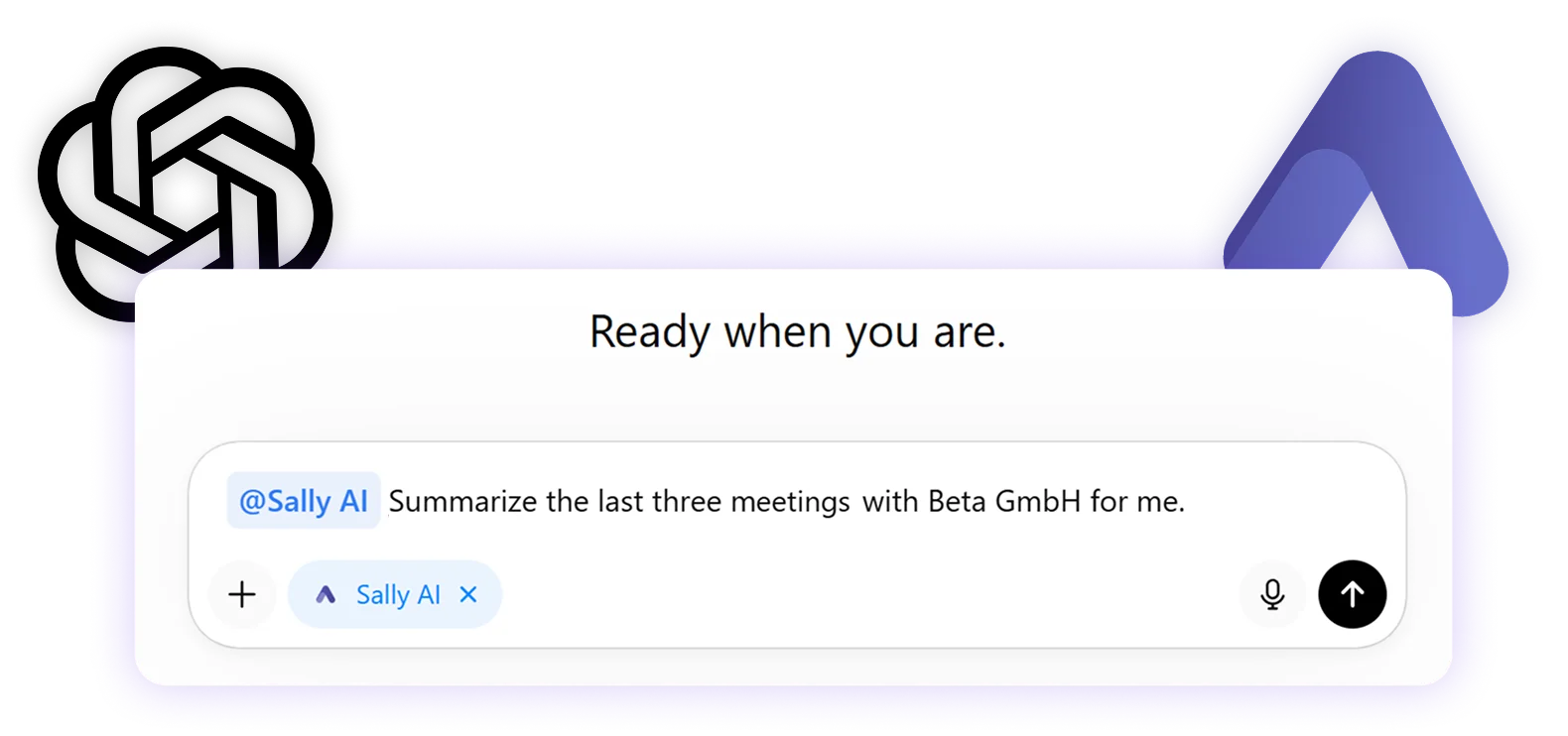
ChatGPT now ships Sally AI as a built-in app. Once connected, you can mention @Sally AI in any chat or start a fresh conversation from the Sally AI app page. Typical questions:
- "Summarize the last three meetings with Beta GmbH for me."
- "List the open action items from this week's calls, grouped by owner."
- "Pull the transcript of yesterday's discovery call and show every passage where pricing came up."
- "What did we decide about the rollout plan in last Friday's sync?"
ChatGPT routes the request to the Sally MCP server, and the answer is grounded in your actual meeting data.
How it works
- In ChatGPT, open Apps in the left sidebar and search for Sally.
- Open the Sally AI tile and click Connect in the top right.
- Sign in with your Sally account once and confirm the connection.
- Start a chat from the Sally AI page, or type
@in any conversation and pick Sally AI.
The connection is bound to your Sally user and the company account that is active during sign-in. Access is read-only and limited to the meetings you already see in Sally.
Why it matters
Most people already draft, plan, and reason inside ChatGPT. With Sally AI as a native app, your meeting knowledge is one mention away, no copy-paste, no tab switching, no extra setup.
👉 Full setup steps in the Sally MCP with ChatGPT guide.