September 28, 2026: Sally API and MCP get file downloads, task categories and transcript search

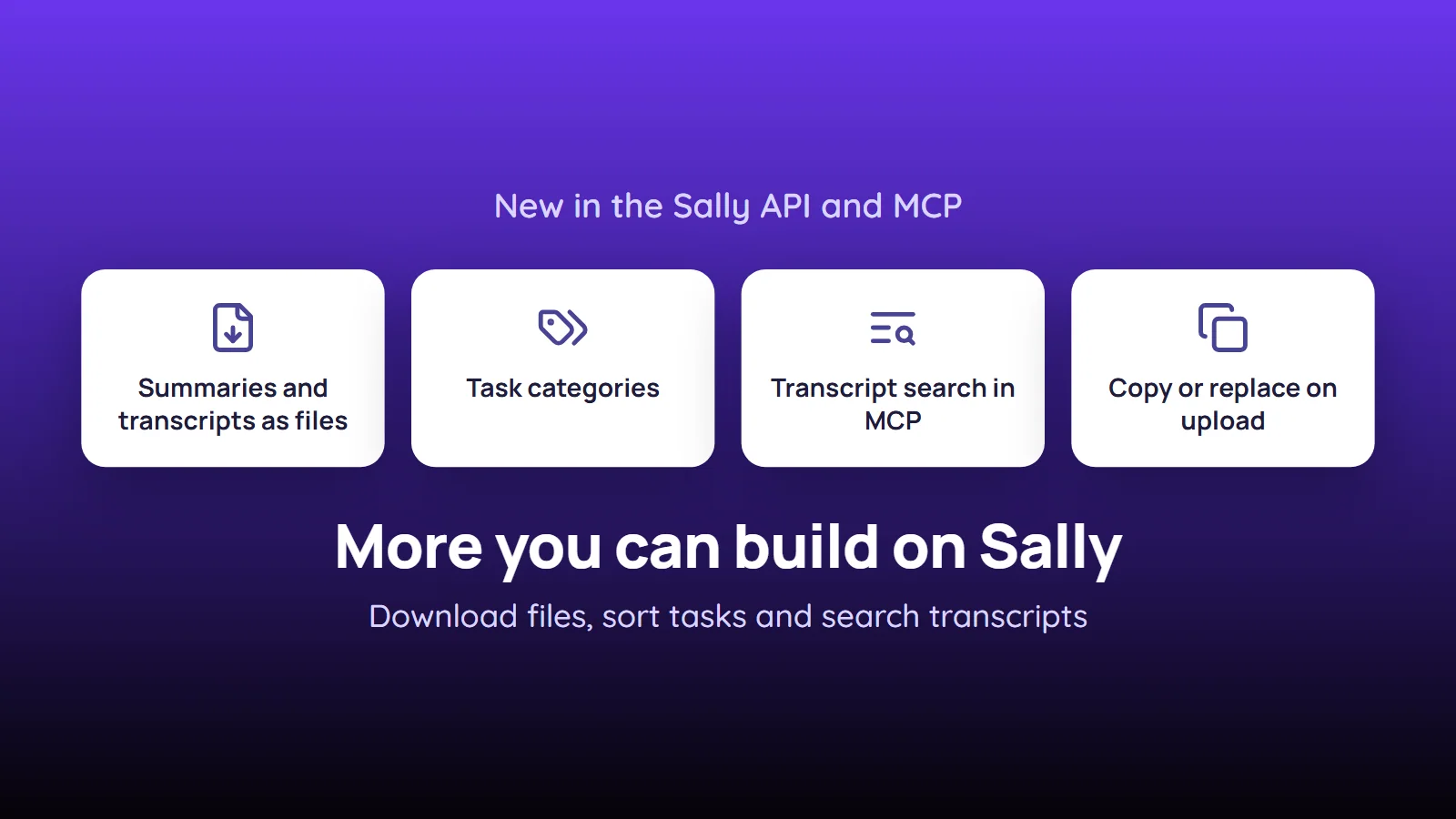
The Sally API and the MCP server can do more: summaries and transcripts now come as finished files, tasks carry their category, and your AI assistant can search what was actually said in a meeting.
If you build Sally into your own tools or work with Sally through an AI assistant, you need fewer workarounds. You no longer turn JSON into documents yourself, and a topic that is missing from the summary is no longer lost, because the transcript can now be searched as well.
What's new?
- Summaries as files:
GET …/summaries/{recordingSummaryId}/documentreturns a summary aspdf,docx,odt,txtormd, the same file the web app downloads. Passformatand optionallylanguageCode - Transcripts as files and subtitles:
GET …/recordings/{recordingId}/transcription/documentreturns a transcript aspdf,docx,xlsx,txtormd, or as subtitles invttorsrt - Task categories:
GET …/task-categorieslists the task categories, and tasks carrytaskCategoryId, which you can also set when you create or change a task - All your meeting templates:
GET …/meetingtemplatesnow also returns your personal and team templates, not only the company-wide ones - Word-by-word summary search:
POST …/summaries/searchsearches word by word. Any of the words is enough for a hit, words of four or more characters also match inside longer words and in inflected forms, andsnippetshows the excerpt around the first match - Transcript search in MCP: the new MCP tool
search_transcriptssearches the verbatim transcripts and returns up to five matching lines per recording, with timestamp and speaker. Ifsearch_summariesfinds nothing, your assistant can check whether something was said after all
Uploading to an appointment that already has a recording
This is the one change that needs action in your integration. When you finalize an upload for an appointment that already has a recording, you now decide what happens with choice:
copy: Sally creates a copy of the appointment for you and attaches the file there. The existing recording stays on the original appointmentreplace: Sally attaches the file to the appointment and removes the existing recording once the new one is created
Without choice, such an upload fails with 409 and the code RECORDING_EXISTS_CHOICE_REQUIRED. The uploaded file is kept, so you can repeat the call with choice set to copy or replace without uploading again. If your integration uploads to appointments that may already have a recording, send choice from now on.
Want the details? See the API release notes, which also list the new sectionType values table, appointment and email, and How the two search tools match for MCP.