October 22, 2026: SSO with your own identity provider and sign-in only via Microsoft

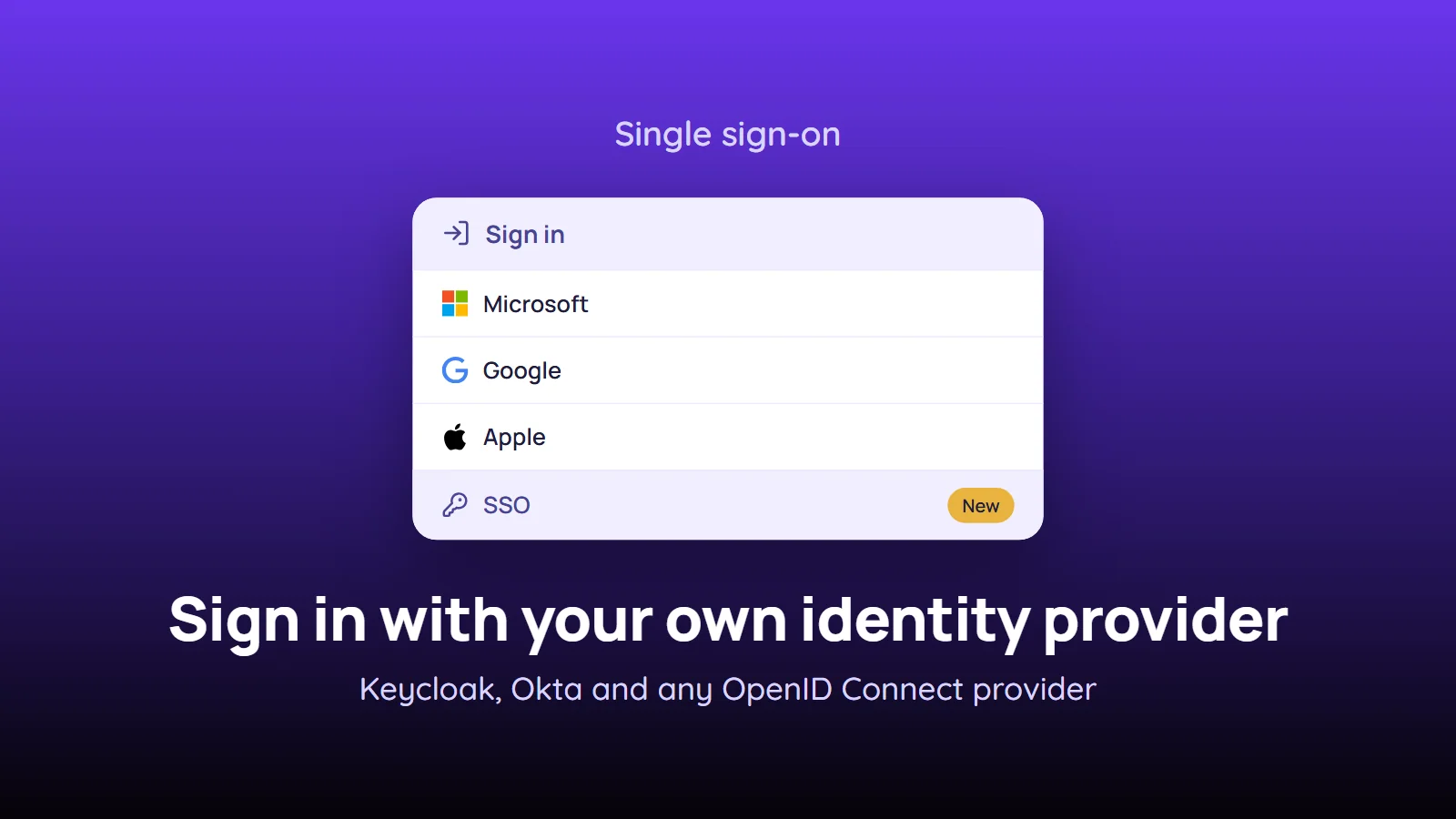
Your employees can now sign in to Sally through your own identity provider: connect Keycloak, Okta, OneLogin, Auth0 or any other provider that speaks OpenID Connect, and they use their company account instead of a separate Sally password.
Multi-factor authentication, password rules and account blocks stay where they already are, in your identity provider. On top of that, you can make SSO or Microsoft the only way into Sally for a verified domain, so nobody gets around your policies with a Sally password.
What's new?
- SSO via OpenID Connect: connect any identity provider that supports OpenID Connect with the Authorization Code flow, for example Keycloak, Okta, OneLogin, Auth0, Ping or JumpCloud. SAML is not supported
- Guided setup with a test sign-in: under User Administration, the owner clicks Set up SSO and fills in the Connect SSO sign-in panel. Check connection reads your provider's configuration, a test sign-in with your own company account is required, and then you assign your verified domains. You can only save once the test sign-in has succeeded
- New SSO button on the login page: it sits next to Apple, Google and Microsoft. Employees enter their Company email, and Sally takes them to your identity provider. From the second time on, a click on SSO is enough
- Sign-in only via SSO: per domain, the switch Sign-in only via … (with the display name of your connection) makes SSO the only way in. Sally then rejects the Sally password, Microsoft, Google and Apple for addresses on that domain, and a block in your identity provider also locks the person out of Sally
- Auto-join on the first SSO sign-in: with auto-join on for the domain, a first SSO sign-in adds new colleagues to your organization account as members. They start without a license, with the usual trial period of a new membership
- Sign in only via Microsoft: for companies on Microsoft 365, a new switch under Internal Domains makes Microsoft the only way in, without setting up your own SSO connection
Sign in only via Microsoft
If your company manages its accounts in Microsoft 365 (Entra ID), open Internal Domains, click a verified domain and turn on Sign in only via Microsoft, right below Auto-Join. For every address on this domain:
- Only Microsoft works: password, Google and Apple sign-ins are rejected, and so are Microsoft accounts from another tenant, including a personal Microsoft account that happens to use the company address
- Sessions end: the other sessions of these users end, and everyone signs in once more, this time via Microsoft
- Your policies apply: multi-factor authentication, Conditional Access policies and account blocks from Entra ID apply in Sally exactly as they do in Microsoft 365
Only an owner or admin whose own email address is on the domain and who is signed in to Sally via Microsoft can turn the switch on. Sally binds the setting to your Microsoft tenant and checks every night whether the domain still belongs to it. If that changes, the admins of your organization receive an email.
Good to know
- Who sets up SSO: only the owner of the organization account can set up and manage the SSO connection. Admins see the button, but it stays locked. The domain settings can be changed by owners and admins
- One mandatory method per domain: a domain can require either SSO or Microsoft, not both
- Nobody is locked out by a change: if you change the issuer URL, client ID or secret, Sally pauses the connection until the next successful test sign-in and save. During that time, the other sign-in methods work again for the domain
- Direct link for your intranet:
https://app.sally.io/ssostarts the SSO sign-in directly, without the sign-in page
Want the details? See SSO with your own identity provider and Sign in only via Microsoft.