
3 posts tagged with "Customization"

View All Tags

November 3, 2026: Edit meeting templates directly and publish when you are ready

· 2 min read
Gianni Piruzza
Marketing Manager

Meeting templates no longer need a draft version. You open a template and change it directly. Sally saves every change automatically, but only puts it live when you click Publish. Until then your meetings keep using the published version.

Creating a draft, picking a version number and clicking Save are gone. Sally counts the version up on its own when you publish.
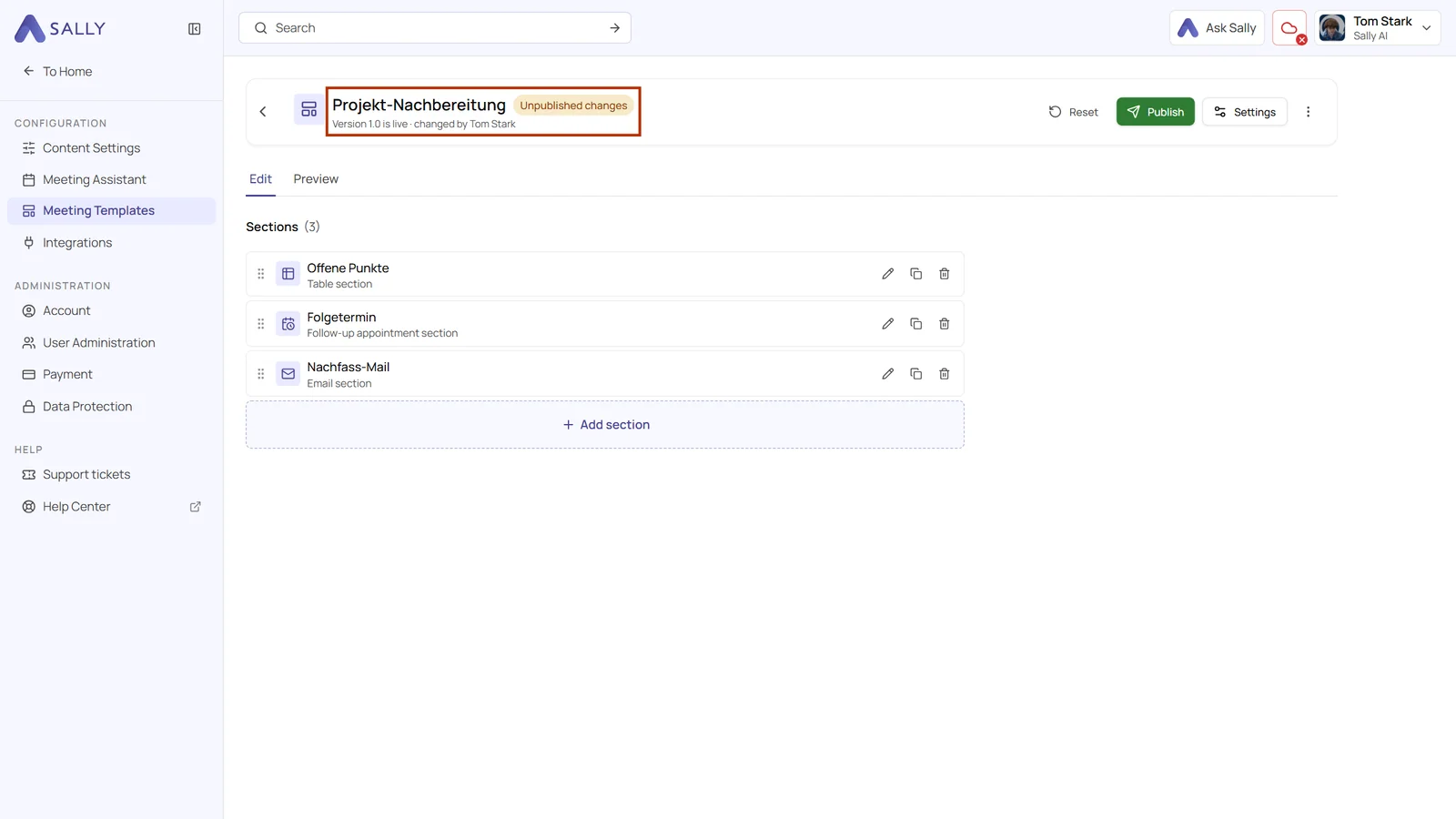
Template with the status Unpublished changes and the line Version 1.0 is live, changed by Tom Stark
Your changes are saved, but not live until you publish

October 5, 2026: Small talk, internal sections and a linked section library in meeting templates

· 2 min read
Gianni Piruzza
Marketing Manager

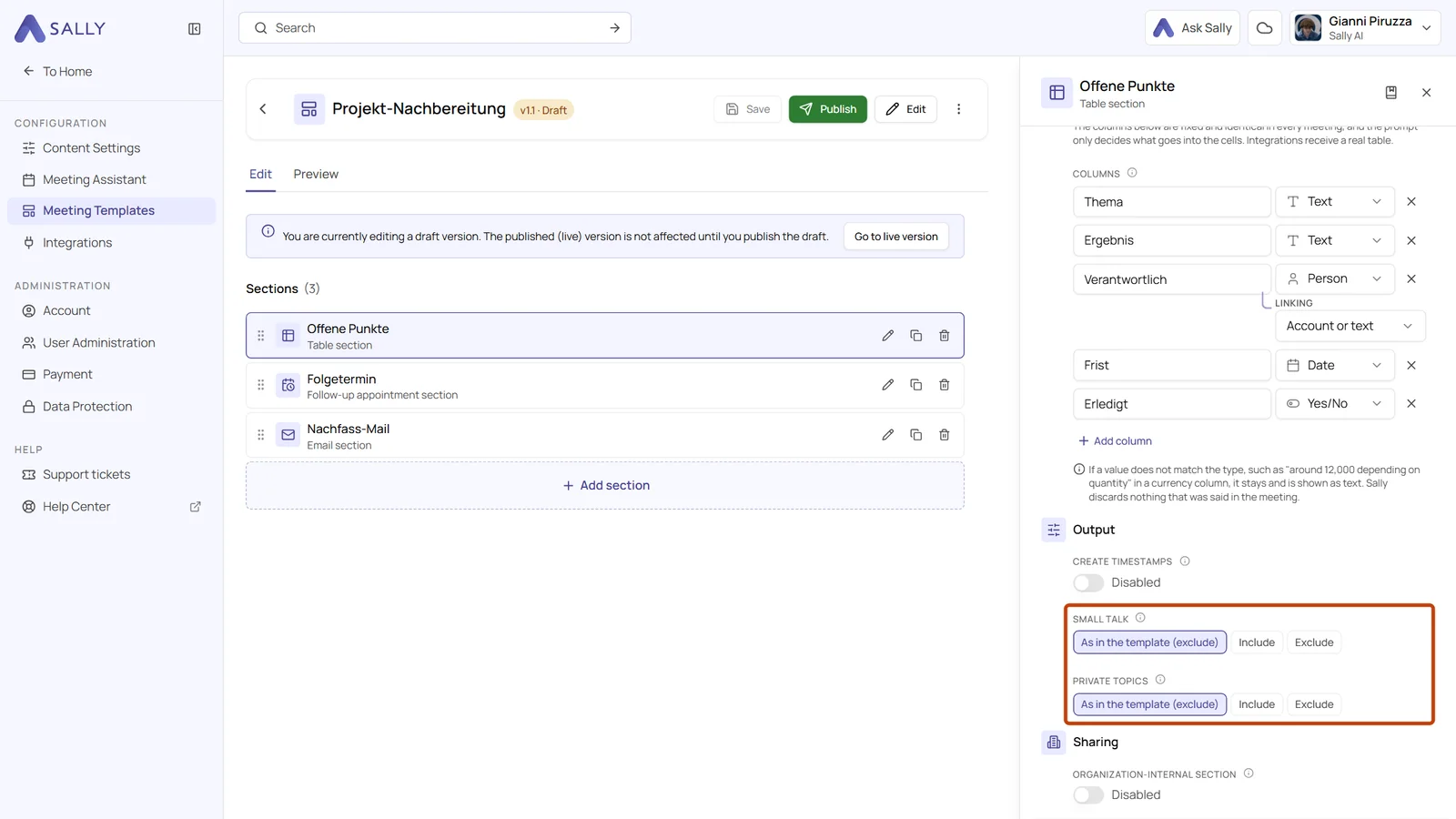
Sections in meeting templates can do more: small talk and private topics are now set in the template, a section can stay inside your organization, and sections from the library stay linked to their entry.

You decide per template and per section instead of with one setting for every summary, and you maintain shared sections in one place.

Section settings with the highlighted fields Small talk and Private topics, each with As in the template, Include and Exclude, and the Organization-internal section switch below under Sharing
Small talk, private topics and sharing in the settings of a section