August 27, 2026: Meeting templates
· 2 min read

You put your summary together yourself: with meeting templates you decide which sections it has, in which order they appear and what Sally writes in each one 🚀
A daily needs blockers, a sales call needs the customer's requirements, an interview needs the candidate's answers. Instead of one format for everything, you build your own for every kind of meeting. Sally then fills it in for every recording exactly the way you set it up.
What's new?
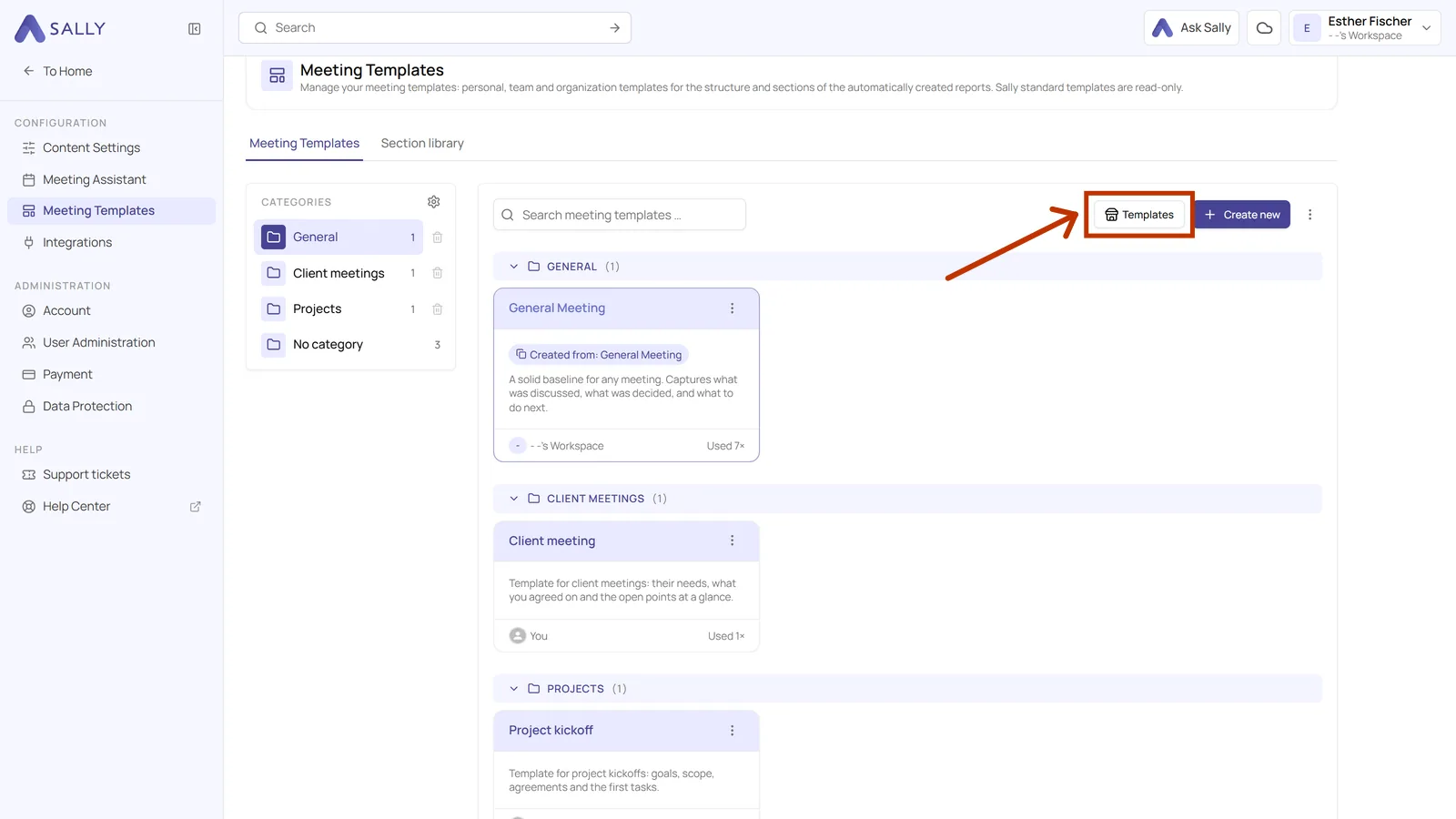
- 30 ready-made templates: Sally's catalog covers sales, HR, management, product and more, and copying one into your account takes two clicks
- Or build your own: Each section carries a title, a prompt that tells Sally what belongs in it, and output settings for detail, timestamps and format
- Nothing goes live by accident: The published version is read-only, every change goes into a draft first, and earlier versions stay in the list
- Try it before your next meeting: The preview runs your template against one of your existing recordings
- Write a section once: The section library lets you reuse a section across all your templates instead of writing it again
- Share what works: A template can stay personal, go to a team or apply to the whole organization, and export and import move it between accounts
👉 Want to learn more? Check out our meeting templates guides.