August 11, 2026: Ask Sally
· 2 min read

Ask Sally is here: the chat you can ask anything about your meetings 🚀
You know something was discussed, but not in which meeting. You want to know what is coming up this week, or which tasks are still open. Instead of opening transcripts and hunting down appointments, you just ask, and Sally looks through your recordings, appointments and tasks.
What's new?
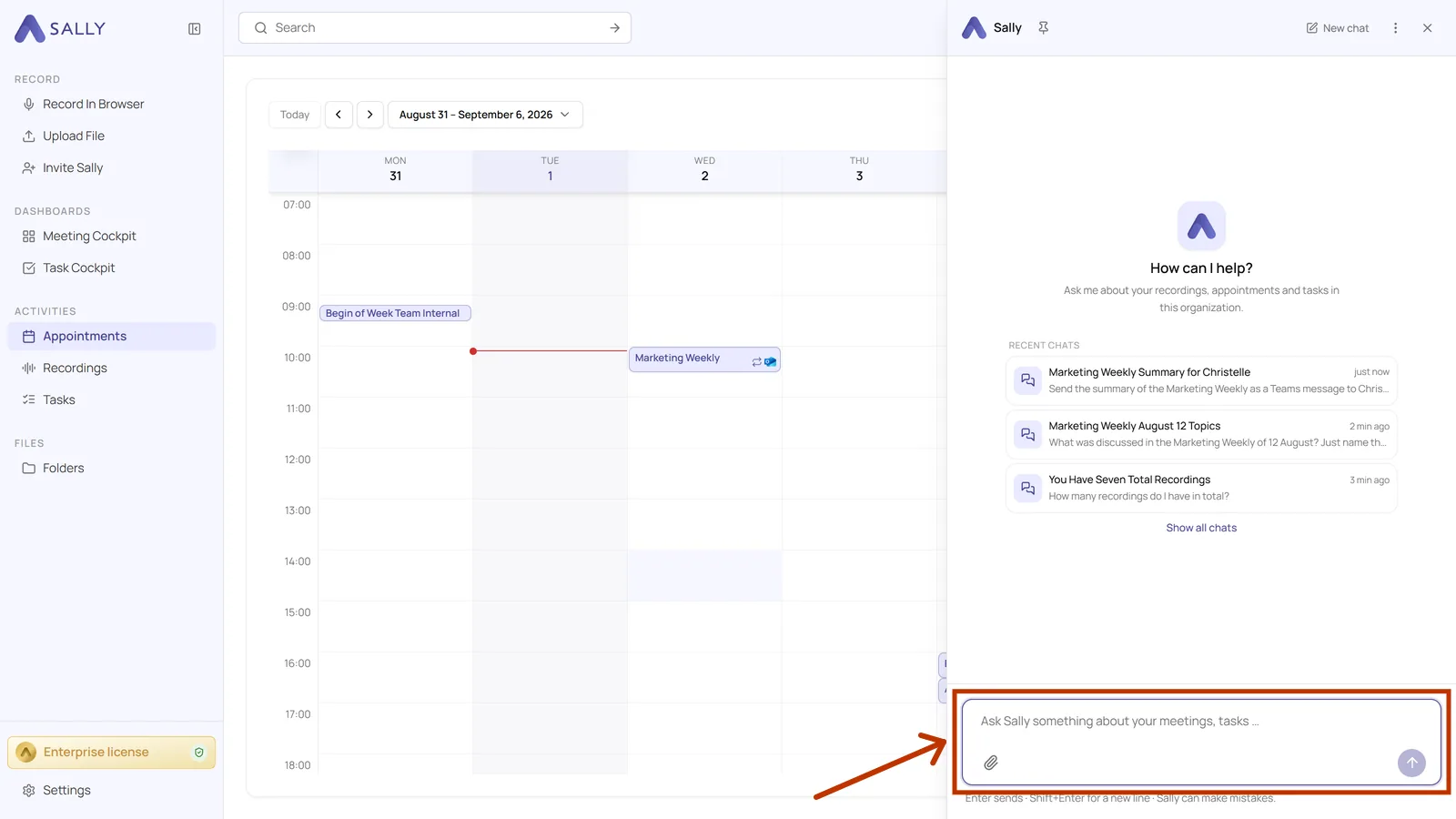
- Available on every page: Ask Sally sits in the top right corner of the header, and the chat opens in an area on the right that you can widen
- Answers from your own data: Recordings, appointments and tasks, not the open internet
- Narrow it down when you need to: Ask about one specific appointment or one folder, or attach a file to your question
- Sally can act too: She can pass a result straight into your connected integrations, for example as a Teams message to a colleague
- Your chats stay: The last three conversations sit above the input field, the full history is one click away, and fullscreen gives you room for longer sessions
👉 Want to learn more? Check out our guide to Ask Sally.