April 15, 2026 - Single Sign-On (SSO)
One click to sign in. 🔑
Sally now supports Single Sign-On with Microsoft, Google, and Apple. No separate Sally password required, and Microsoft 365 admins can approve access for the whole tenant in one step.
One click to sign in. 🔑
Sally now supports Single Sign-On with Microsoft, Google, and Apple. No separate Sally password required, and Microsoft 365 admins can approve access for the whole tenant in one step.
Protect your Sally account with an extra layer of security. 🔐
Enable multi-factor authentication (MFA) to require a one-time code from an authenticator app every time you sign in.
You can now mark calendar events as private, and Sally will respect it.
If you set a meeting as "private" in your calendar, Sally will automatically skip it and not join. This gives you full control over which meetings Sally attends.
Full control over what gets deleted and when, now for each data type separately. ✨
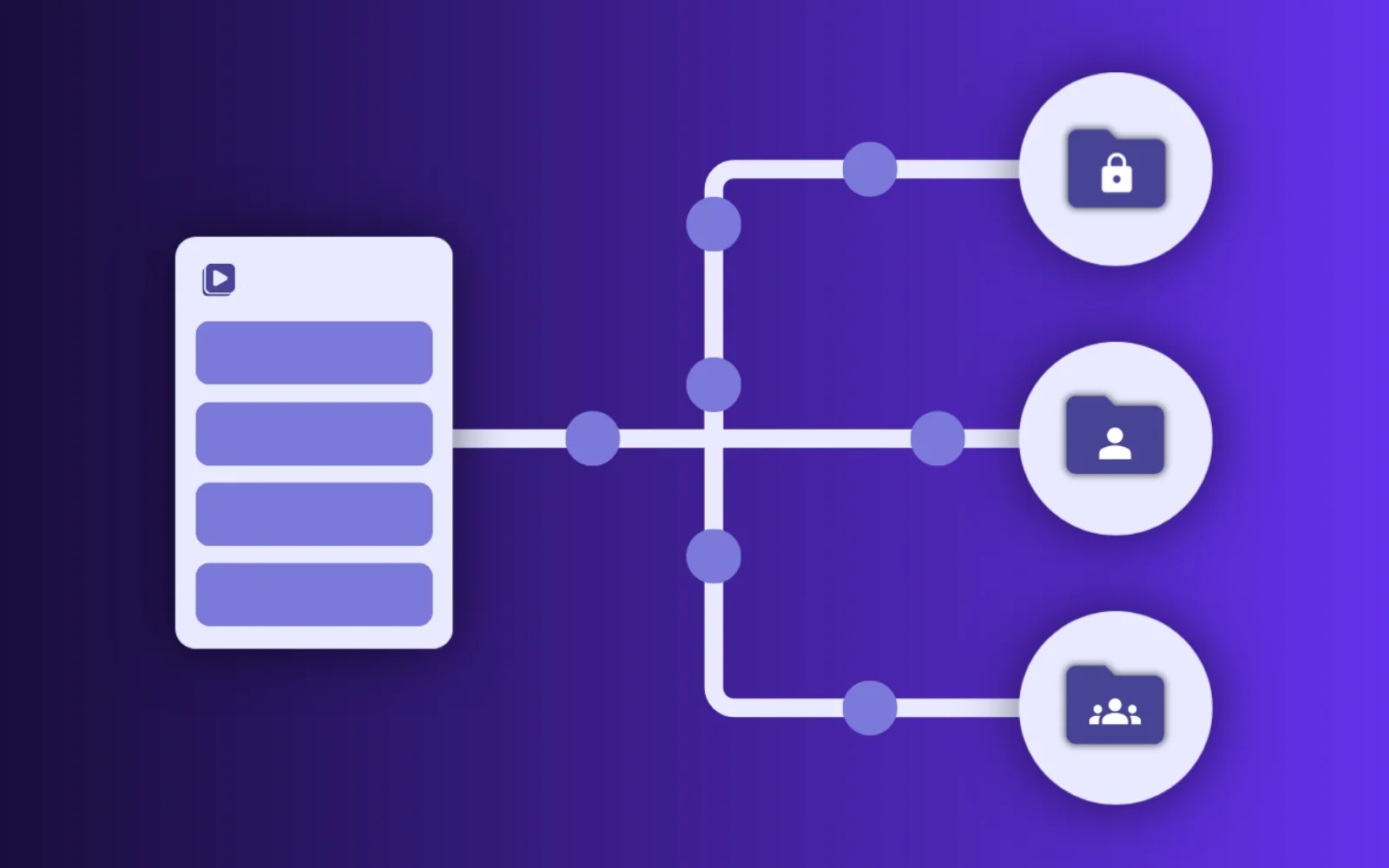
Set individual retention periods for transcripts, audio & video, summaries, appointments, and log data. Each one on its own schedule.
Add hundreds of vocabulary entries at once, with a simple Excel upload. ✨
No more adding terms one by one. Download the template, fill in your vocabulary, upload the file, and you're done.
Sally can now improve your prompts for you — powered by AI. ✨
Introducing Ask Sally: describe what you want to change, and Sally rewrites your Custom Insight prompt instantly — no prompt-writing expertise needed.
The Slack integration is here! 🎉
Share meeting insights from Sally with just one click directly into Slack channels or direct messages — without ever leaving the platform.
Apple Calendar can now be connected to Sally! 🍎
You can now link your Apple Calendar with Sally — and Sally will automatically join your meetings without needing a separate invitation.
The awork integration is here! 🎉
Turn meeting insights from Sally into tasks, comments, or time entries in awork with just one click — directly from your meeting summary.
More control over your downloads! ✍️
You can now choose the font of your exported documents – for a consistent look that matches your style or your company.