March 16, 2026: Fonts for downloads
· One min read

More control over your downloads! ✍️
You can now choose the font of your exported documents, for a consistent look that matches your style or your company.
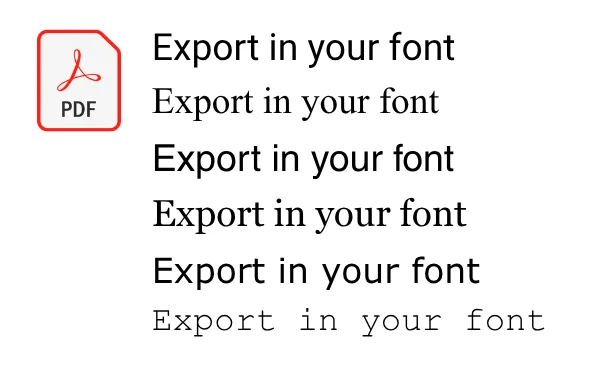
Customize your documents to match your style
From now on, the following fonts are available for your downloaded summaries and transcripts:
- Arial
- Calibri
- Courier New
- Georgia
- Helvetica
- Noto Sans
- Segoe UI
- Tahoma
- Times New Roman
- Trebuchet MS
- Verdana
Whether modern, classic, or technical, you decide how your documents look.
How do I set the font?
- Go to Document Settings.
- Open Fonts.
- Choose your preferred font.
- Done.