October 29, 2026: Emergency access when your SSO identity provider is down
· 3 min read

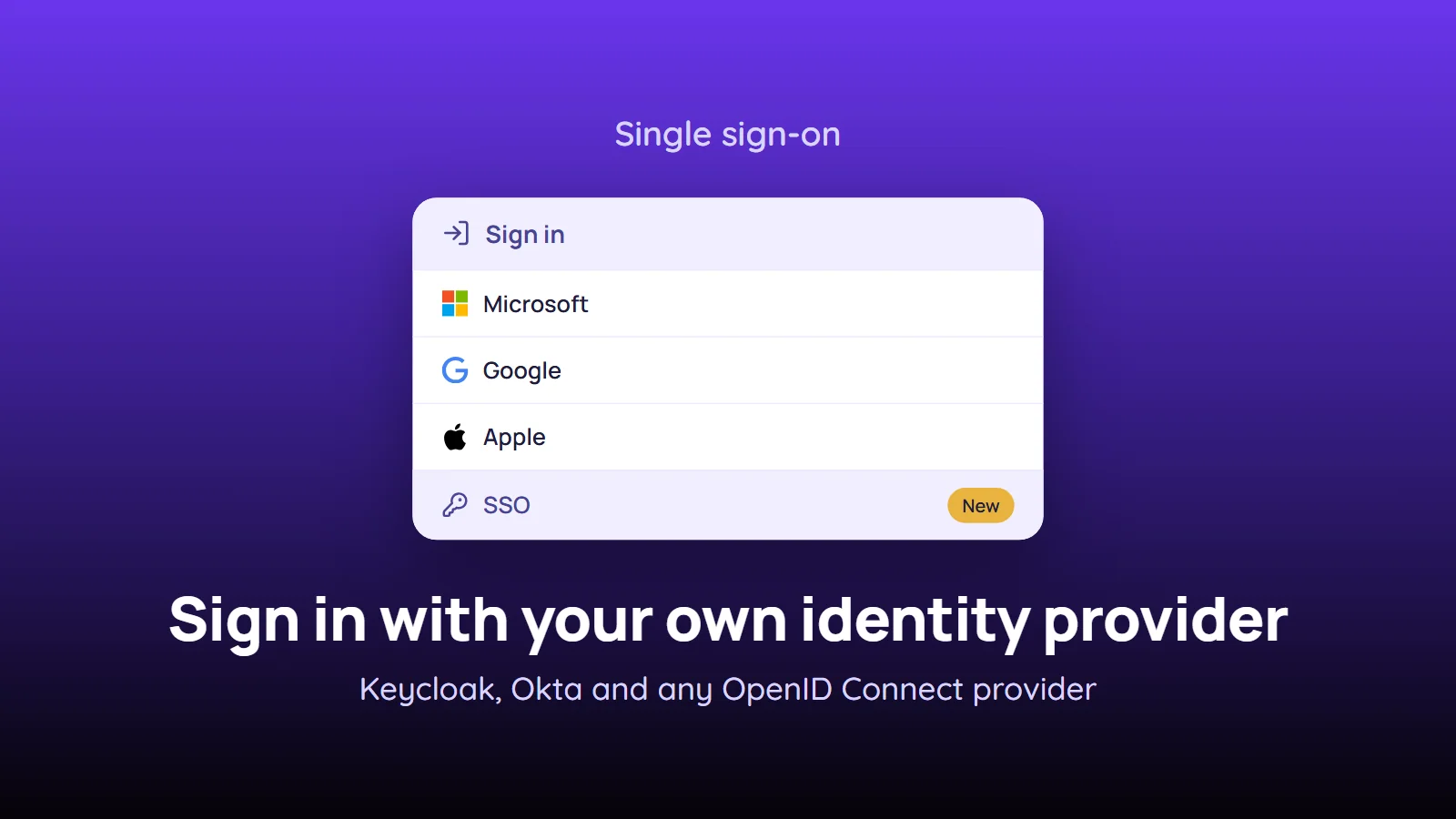
Sign-in only via SSO no longer locks everyone out when your identity provider fails. With emergency access, owners and admins select a few people who can then sign in with their Sally password and a two-factor code while the identity provider is unavailable.
That way someone can always reach Sally during an outage and, if needed, switch off sign-in only via SSO for everyone. Every use of emergency access is emailed to all owners.
What's new?
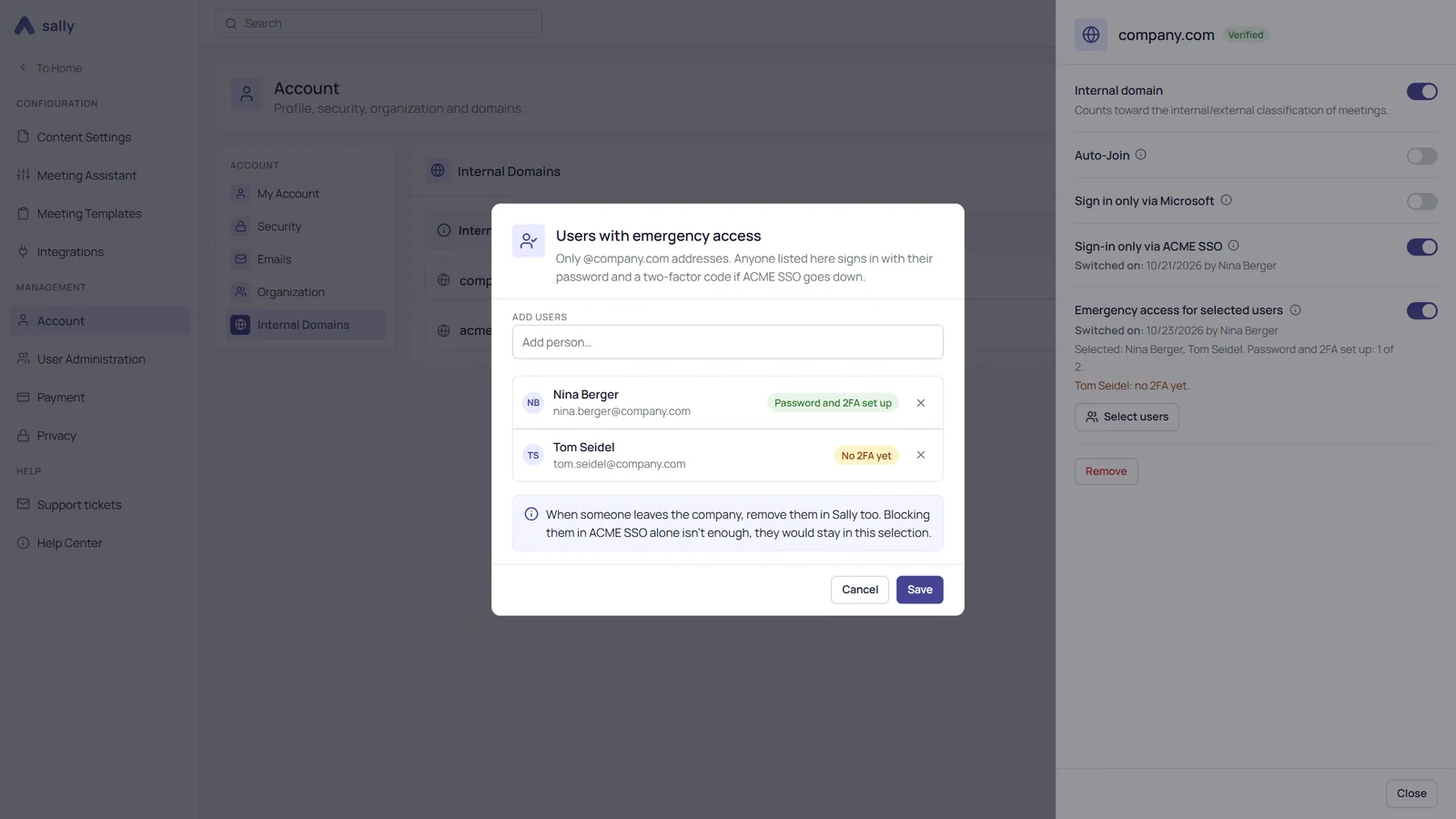
- Switch per domain: in the detail panel of a domain under Internal Domains, Emergency access for selected users sits right below Sign-in only via …. It is off by default
- Selected users: Select users opens the dialog Users with emergency access. Without typing, Sally suggests the owners and admins. Only members with an address on this domain can be selected
- Readiness at a glance: for every person, the dialog shows whether they are ready, for example Password and 2FA set up or No 2FA yet. The row in the detail panel sums it up and names everyone who is still missing something
- Normal sign-in during an outage: selected people enter their company email address and Sally password on the sign-in page, then the code from their two-factor app. This also works in the Sally app and in the Sally Recorder
- Emails to the owners: all owners are notified when someone signs in through emergency access and when emergency access or the selection changes. Newly selected people get an email as well
Good to know
- Emergency access requires an SSO connection to your own identity provider with sign-in only via SSO switched on for the domain. It is not available for sign-in only via Microsoft
- Pick two or three people, at least one of them an owner or admin. During an outage, only they can switch off Sign-in only via … for everyone
- Sally doesn't check whether the identity provider is really down. Agree internally that emergency access is only meant for emergencies
- When someone on the list leaves the company, remove them in Sally too. Blocking them only in your identity provider isn't enough, unless you connect SCIM
Want the details? See Emergency access when your identity provider is down.