How to Activate Your Sally AI License
During or after the trial period, you can activate your access at any time to use Sally without limitations.
How do I activate my Sally AI license?
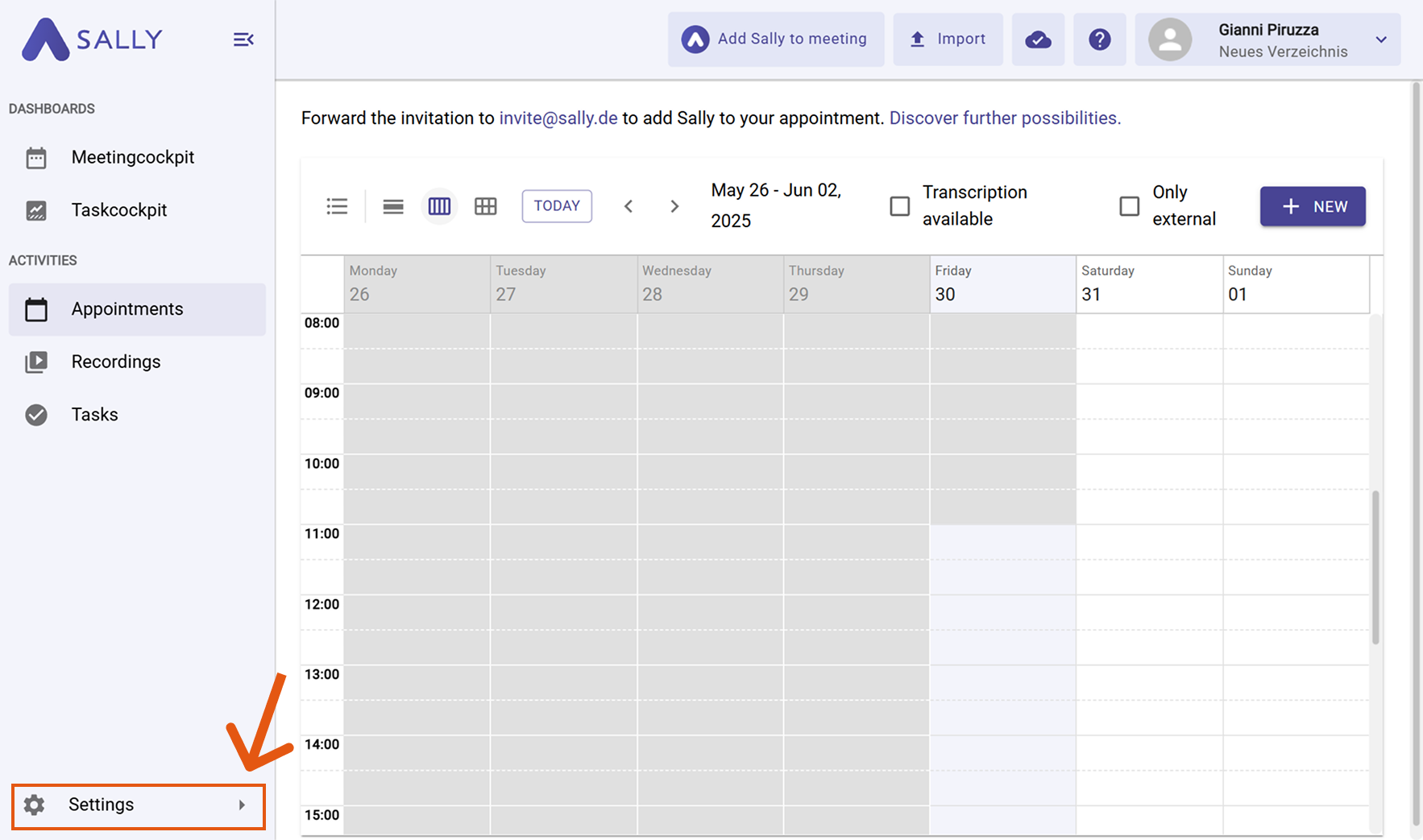
- Open Settings in the left sidebar.
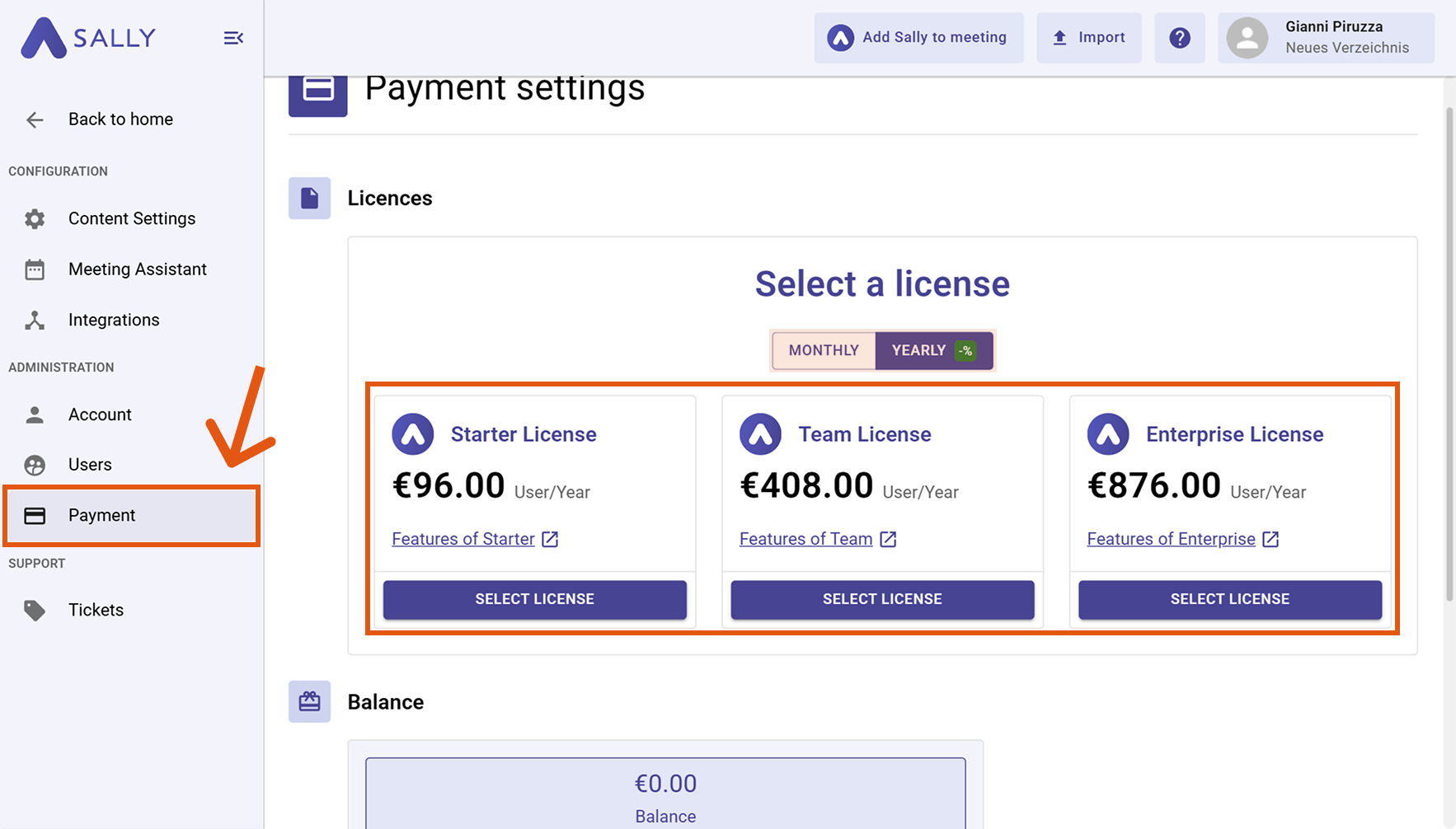
- Go to Payment.
- Choose whether you prefer a monthly or yearly booking.
- Select the license that fits your needs and click Select License.
- After selecting a license, you will be redirected to our booking page, where you can enter your payment details and choose your preferred payment method.
That's it — your access will be activated immediately.
Your license is now active and you can use Sally without any restrictions.
Important note
If you have activated multiple licenses, you still need to assign them to your users. Otherwise, the licenses are active but not linked to any user.