Account Creation
How do I create a Sally account?
To get your meetings transcribed with Sally, you'll first need to sign up and create a Sally account. You can do this in four easy steps:
-
Get to the registration window here: Sign up now
-
Now create a user account with your email address.
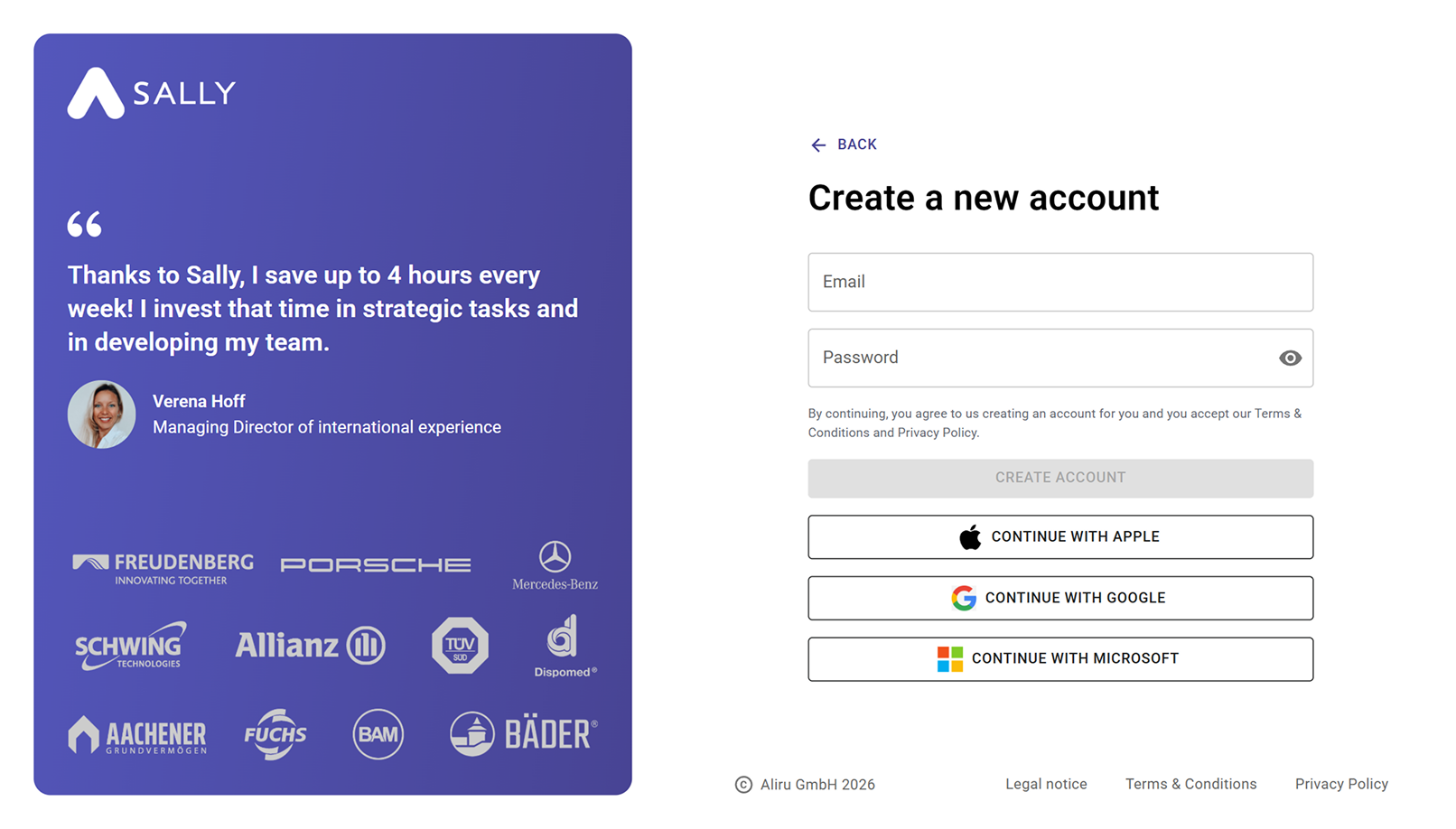
To protect your data, please create a password with at least 12 characters, several special characters and numbers.
- After completing your registration, you’ll start a short onboarding process that takes about one minute. During this step, Sally asks a few quick questions to better understand how you plan to use the tool and what your role or area of work is. You can also connect your calendar directly during onboarding to get started right away.
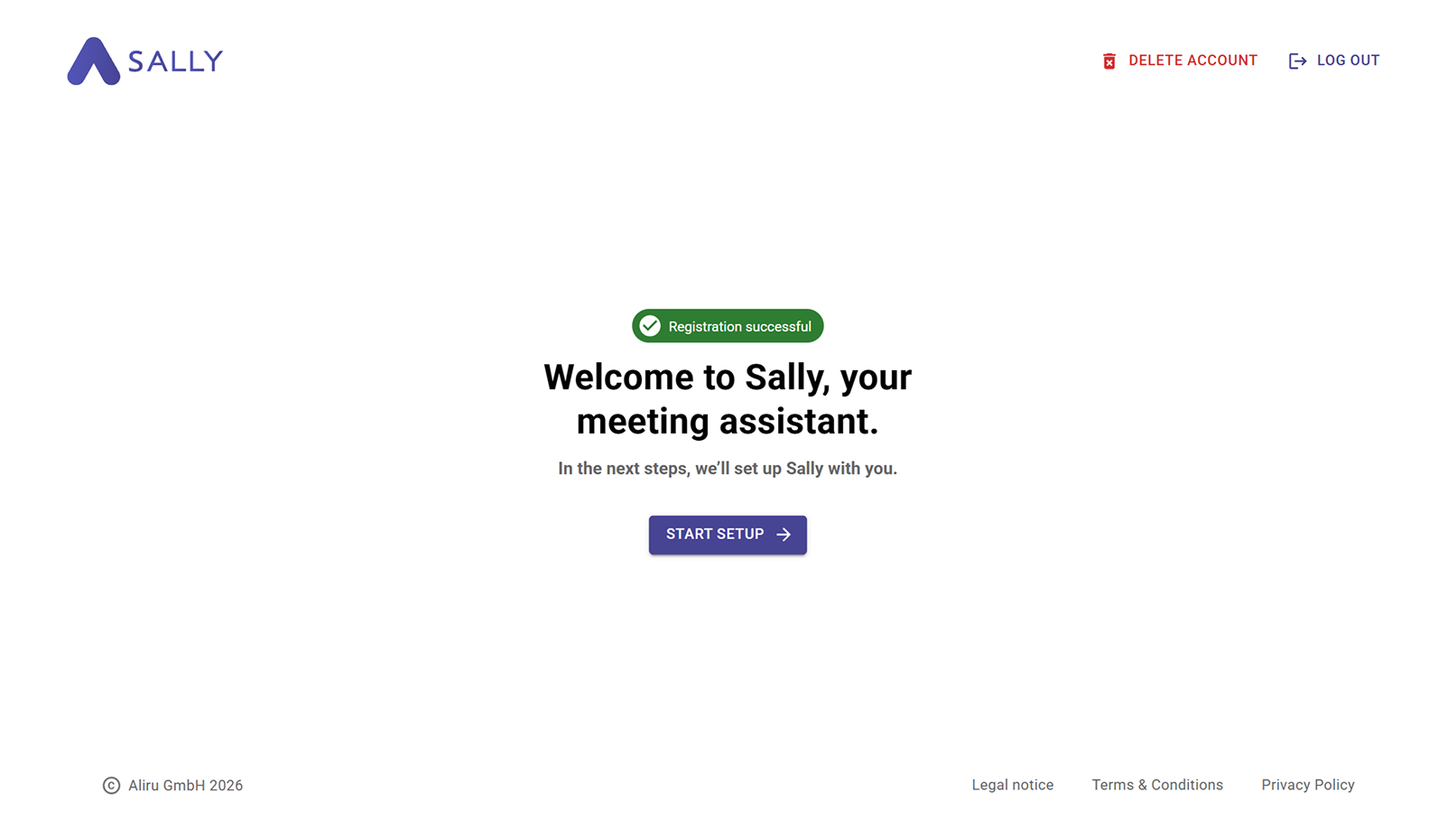
Your name is only required for registration and is used to personalize your account. Your data will be kept confidential and will not be used for other purposes.
- Your Sally account has now been successfully created. You will be redirected to the Sally dashboard.
Trial period & next steps
You can now test Sally for 30 days. In the bottom-left corner, you can see how much time is left in your trial period.
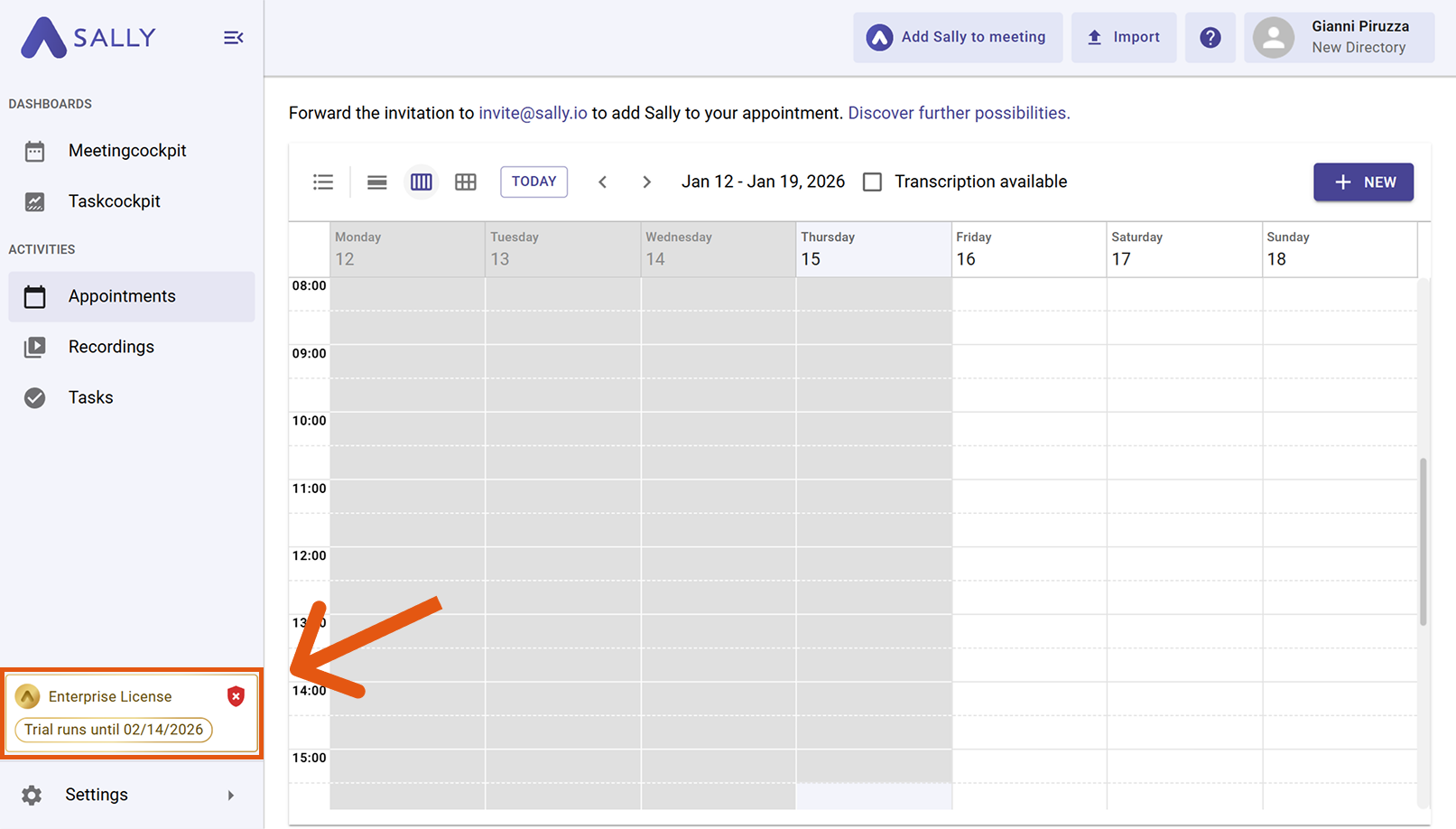
During or after the trial period, you can activate your access at any time to use Sally without limitations. Learn how to do this here: Activate your license
Next, connect your calendar to automate your transcription process.