November 13, 2026: Capacities, SharePoint and Asana
· 3 min read

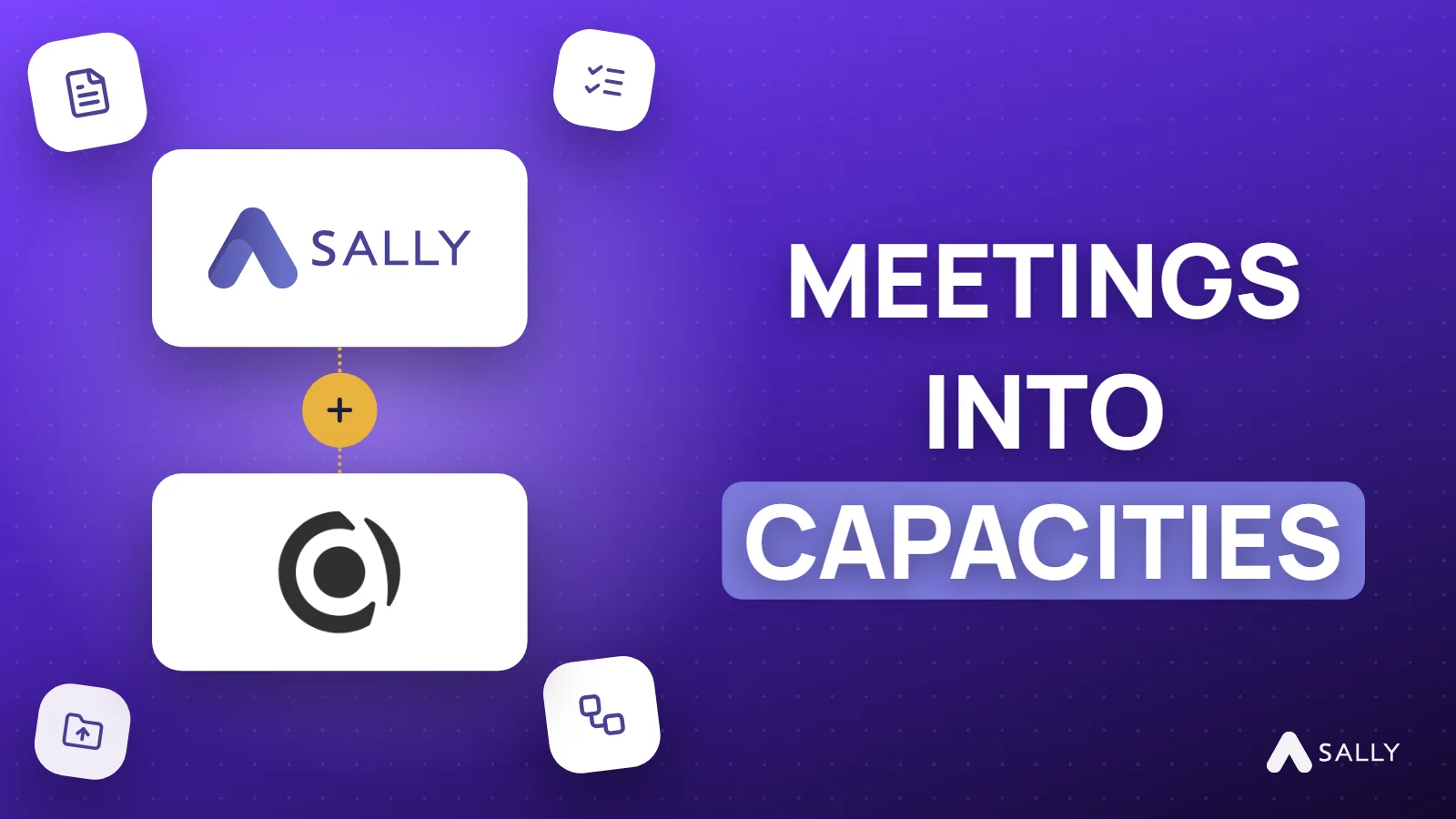
Sally now connects to Capacities, saves meetings to SharePoint on its own and sends all tasks to Asana in one step. Your meeting notes land where the rest of your work already is, without copying anything by hand.
Automations also got more flexible: a rule can now apply to a whole team and to every recording, with no tag needed.
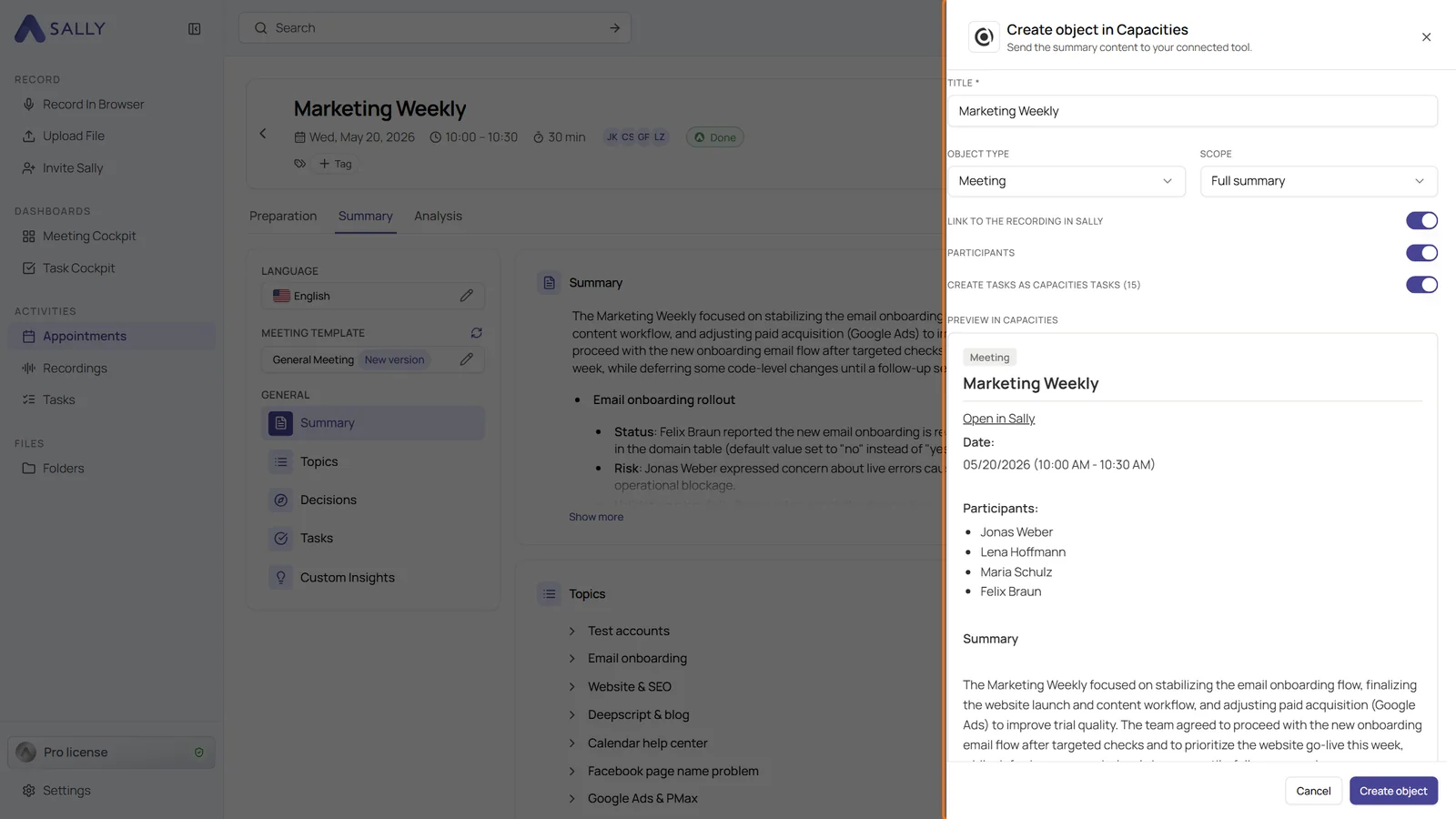
Capacities
- New integration: connect your Capacities space with a personal API key. The Capacities API is available from Capacities Pro
- Meetings as objects: Sally creates an object for each meeting with the summary as text, the participants and a link to the recording
- Tasks as Capacities tasks: every task of the summary becomes its own Capacities task, linked to the meeting object
- By hand or automatically: Create object in Capacities from a recording, or the automation action Save to Capacities after every recording
SharePoint
- Save to SharePoint: a new automation action for Microsoft Apps. Sally saves the summary, the transcript or both as Markdown files to a folder of a SharePoint library as soon as the summary is ready
- Your own file names: a pattern of text and variables, with an example right below
- Clear errors: if the connection expired or write access is missing, the automation shows the reason at its last run
Asana
- Create tasks in Asana: from the Tasks section, Sally creates a separate Asana task for every task it recognized
- Project for all: one project for every task at once, Sally fills in a section in every row. Project, section, assignee and due date can still be changed per row
- Also in the Sally app: the panel works the same way there
Automations for teams and every recording
- Applies to Team: owners and admins create rules for every member of a team, next to Personal and Organization-wide
- For every recording: a new switch under When lets a rule run after every recording, instead of only for certain tags
Want the details? See Capacities, Save summaries and transcripts to SharePoint automatically and Create several tasks in Asana at once.