March 31, 2026 - Bulk Vocabulary Upload
· 2 min read

Add hundreds of vocabulary entries at once, with a simple Excel upload. ✨
No more adding terms one by one. Download the template, fill in your vocabulary, upload the file, and you're done.
🚀 What's new?
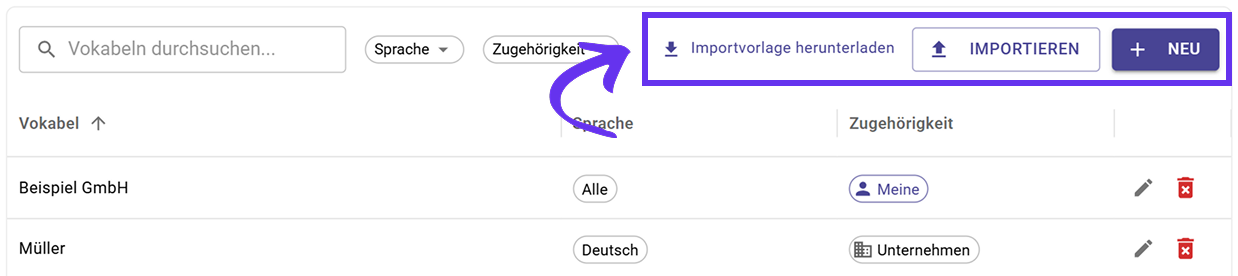
Setting up custom vocabulary used to mean creating entries one at a time. Now you can import as many terms as you need in one go:
- Download the Excel template. It's available directly in your vocabulary settings.
- Fill in your terms. Add the correct spelling, alternatives, language, and scope for each entry.
- Upload the file. Sally imports everything instantly.
All imported terms are applied to future transcriptions right away.
Why it matters
If your team uses a lot of technical terms, product names, or abbreviations, setting them up individually takes time. With bulk import, you can onboard your entire vocabulary in minutes, making sure every transcription is accurate from the start.
👉 Learn more in the Custom Vocabulary guide: Import multiple terms.