March 16, 2026 - Fonts for Downloads
· One min read

More control over your downloads! ✍️
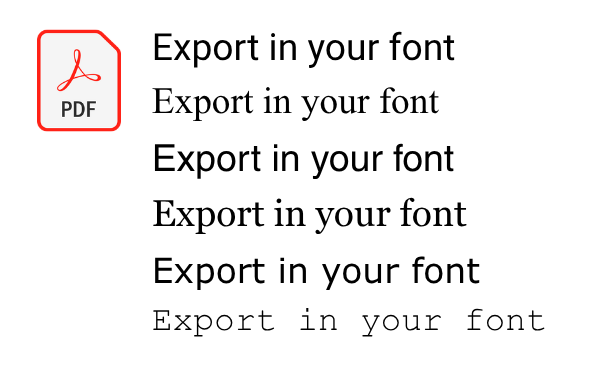
You can now choose the font of your exported documents – for a consistent look that matches your style or your company.
More control over your downloads! ✍️
You can now choose the font of your exported documents – for a consistent look that matches your style or your company.
The Notion integration is here! 🎉
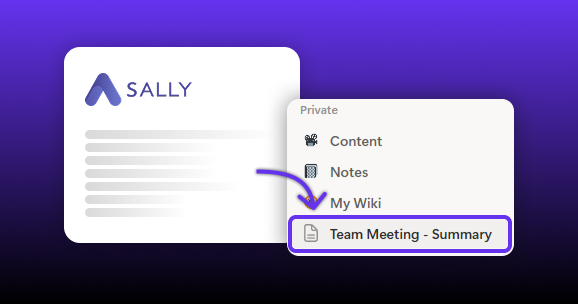
Turn meeting summaries from Sally into structured Notion pages with just one click and save even more time. 📚
Another powerful integration is here: you can now connect Odoo with Sally AI! 🚀
From now on, you can turn meeting insights into to-dos, activities, or chat messages in Odoo with just one click. No more copy-paste between your meetings and ERP system.
You can now download summaries and transcripts as Markdown (.md). 🎉
This makes it easier to reuse meeting documentation in documentation systems, knowledge bases, developer workflows, or AI pipelines.
You can now download individual sections of your meeting summary separately - exactly the way you need them.
Only need the detected tasks as a PDF?
Want to document just the decisions of a meeting as a Word file — without exporting the entire summary?
Now you can.
Page numbers are now available for exported reports! 📄
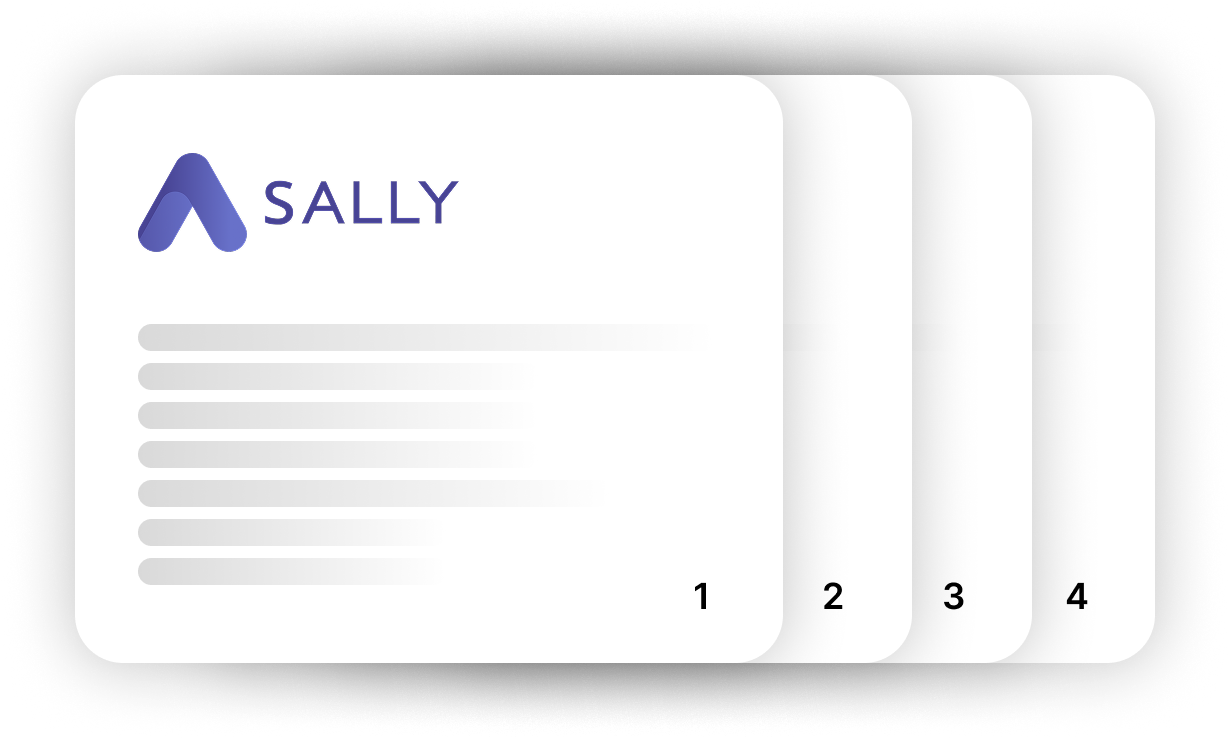
You can now choose whether your Sally meeting reports should include page numbers or not.
You can now easily add invite@sally.io to your recurring meetings.
This means: Set it up once — and Sally will automatically join every occurrence in the series. 🎉
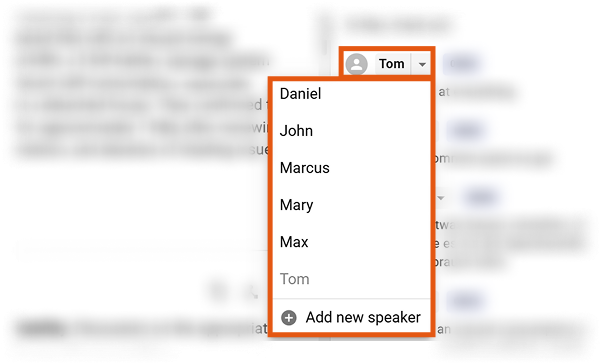
Assigning speakers in transcripts and summaries is now easier than ever. 🎉
Instead of manually editing names in the text, you can simply select the correct speaker from a dropdown list.
We’ve continued improving Sally in February – with updates that bring more clarity, more international flexibility, and even greater control.
Here’s an overview of what’s new:
Sally is now even more international: We support over 99 languages for transcription.