February 27, 2026: Export page numbers
· One min read

Page numbers are now available for exported reports! 📄
You can now choose whether your Sally meeting reports should include page numbers or not.
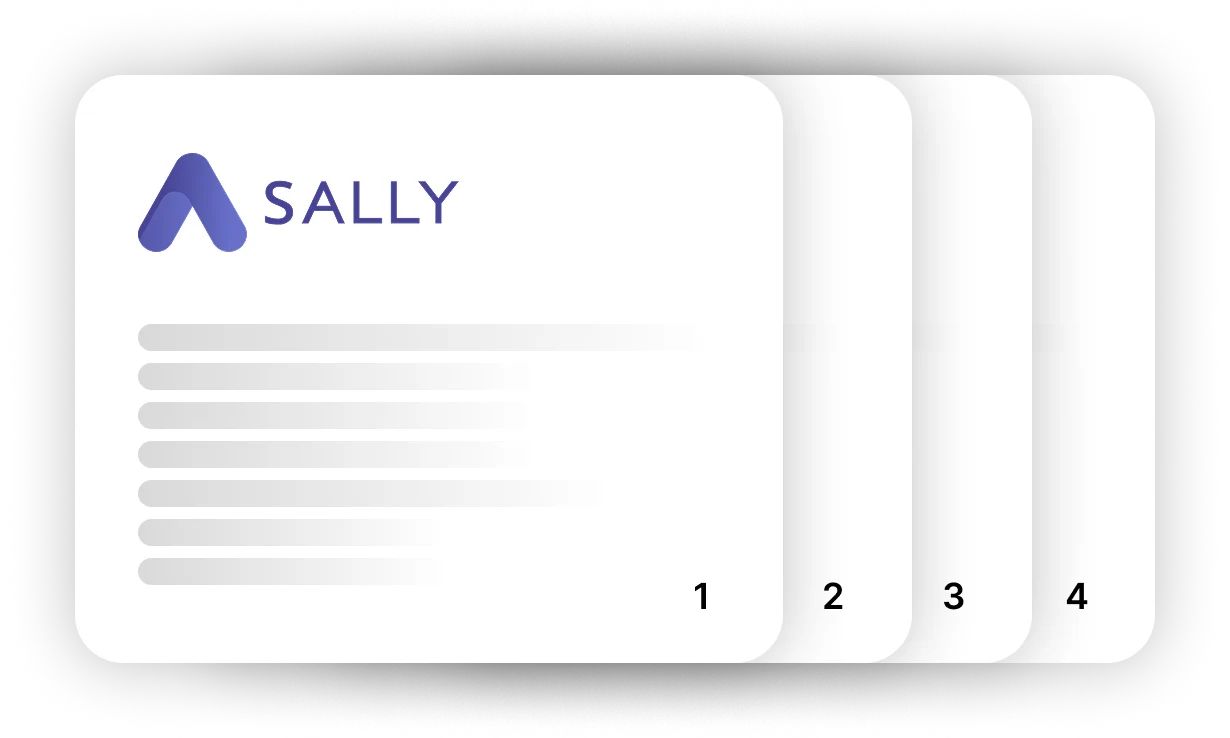
Better structure for longer reports
Page numbers make exported documents easier to read, reference, and print, especially when reports span multiple pages.
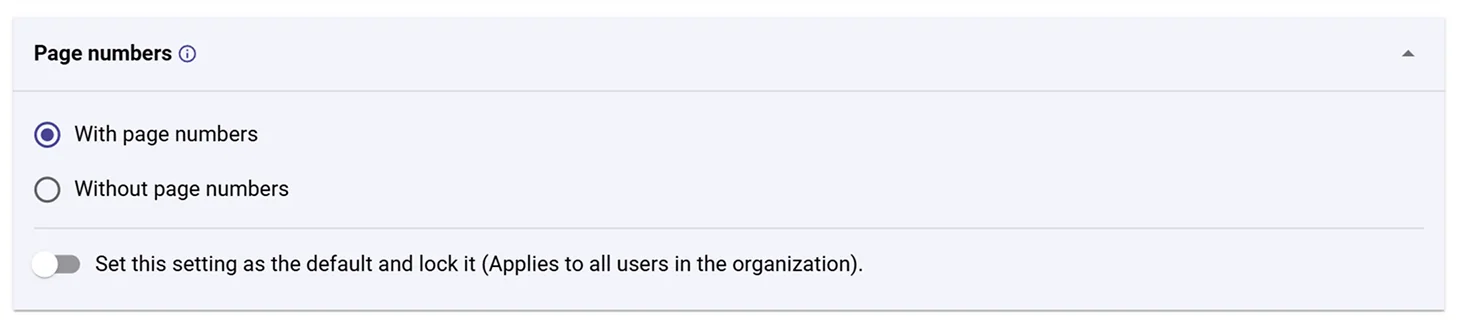
You can now choose between:
- With page numbers: Each page receives a page number. Ideal for longer reports and structured documentation.
- Without page numbers: Export documents without page numbers if you prefer a cleaner layout.
This small improvement makes it easier to share and organize meeting documentation, particularly for larger meetings and detailed reports.
👉 You can configure this option in the document settings of your Sally workspace.