How does the automated meeting summary email work?
After every meeting you get an email with the most important details, so you have the key information without logging in.
1. What's included in the email
Just check your inbox after the meeting. The summary arrives on its own, with nothing to set up.
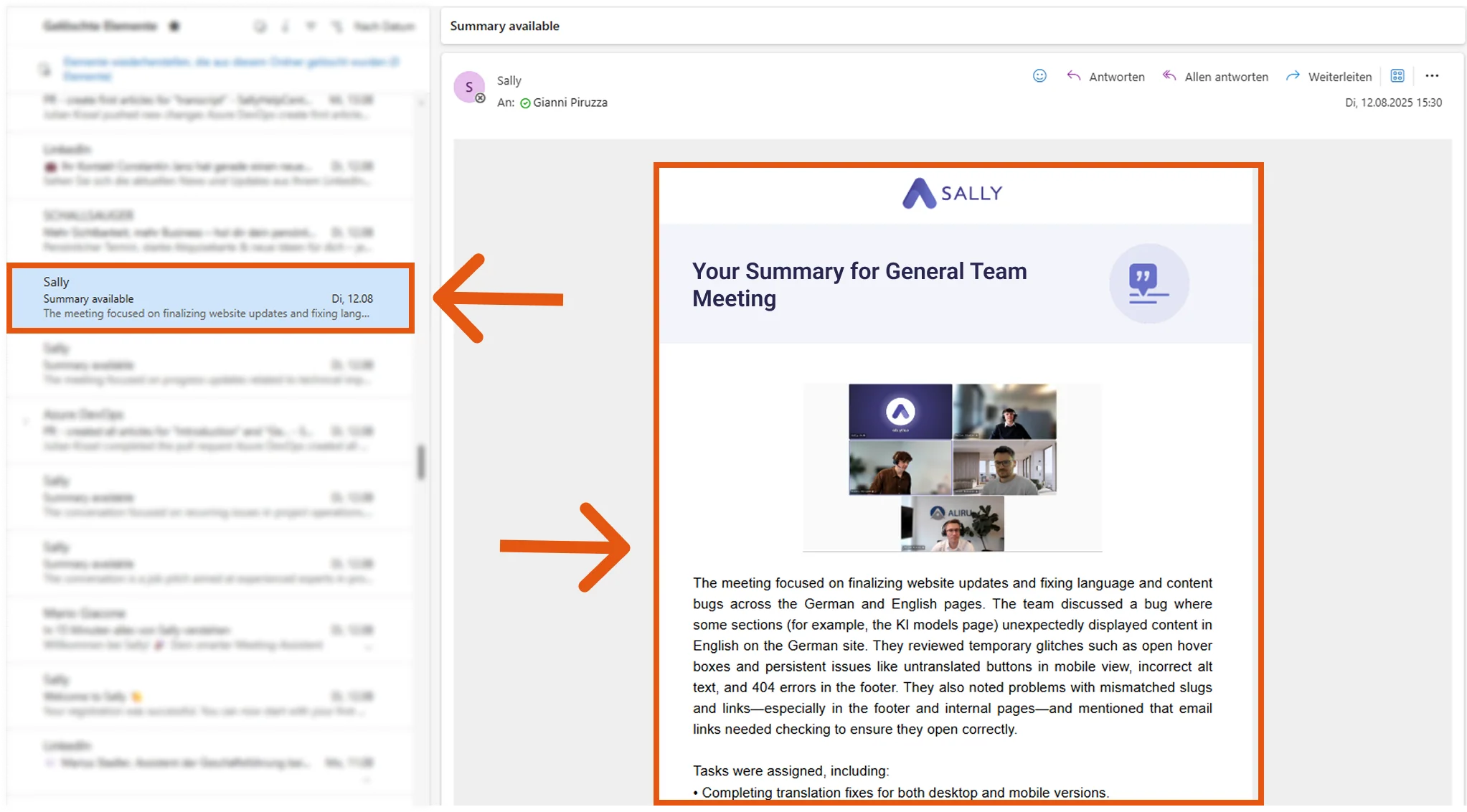
The summary email contains the following sections:
- General meeting summary
- Topics
- Tasks
- Next steps
- Decisions
The email makes it easy to:
- quickly forward the summary to colleagues or clients.
- keep a written record of important discussions without extra effort.
- follow up on tasks and next steps right from your inbox.
- stay organized, even if you don't have time to log in to the platform.
One email in your inbox and you have the results of the meeting to hand.
Tip
You decide who gets the email after each meeting in the summary settings.