View Your Summary
After Sally has joined and recorded your meeting, a structured summary is generated automatically. Here's how to find it.
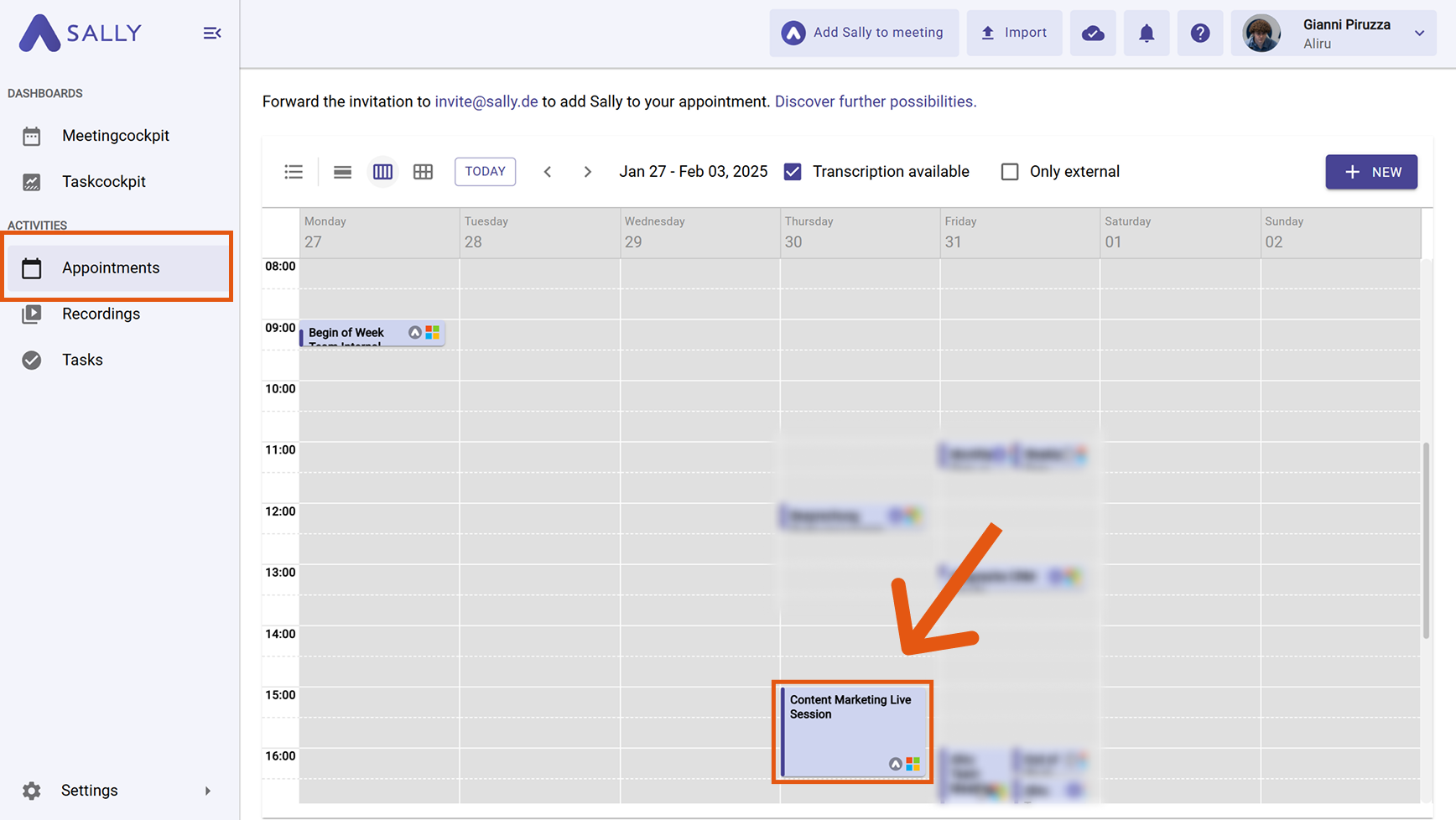
- Open the Appointments tab. Here you can see your connected calendar with all upcoming and past meetings. Simply click on the meeting whose summary you want to read.
info
All meetings with a recording can also be found under the Recordings tab. This is especially useful if you uploaded a file manually or are looking for a meeting without a calendar connection.
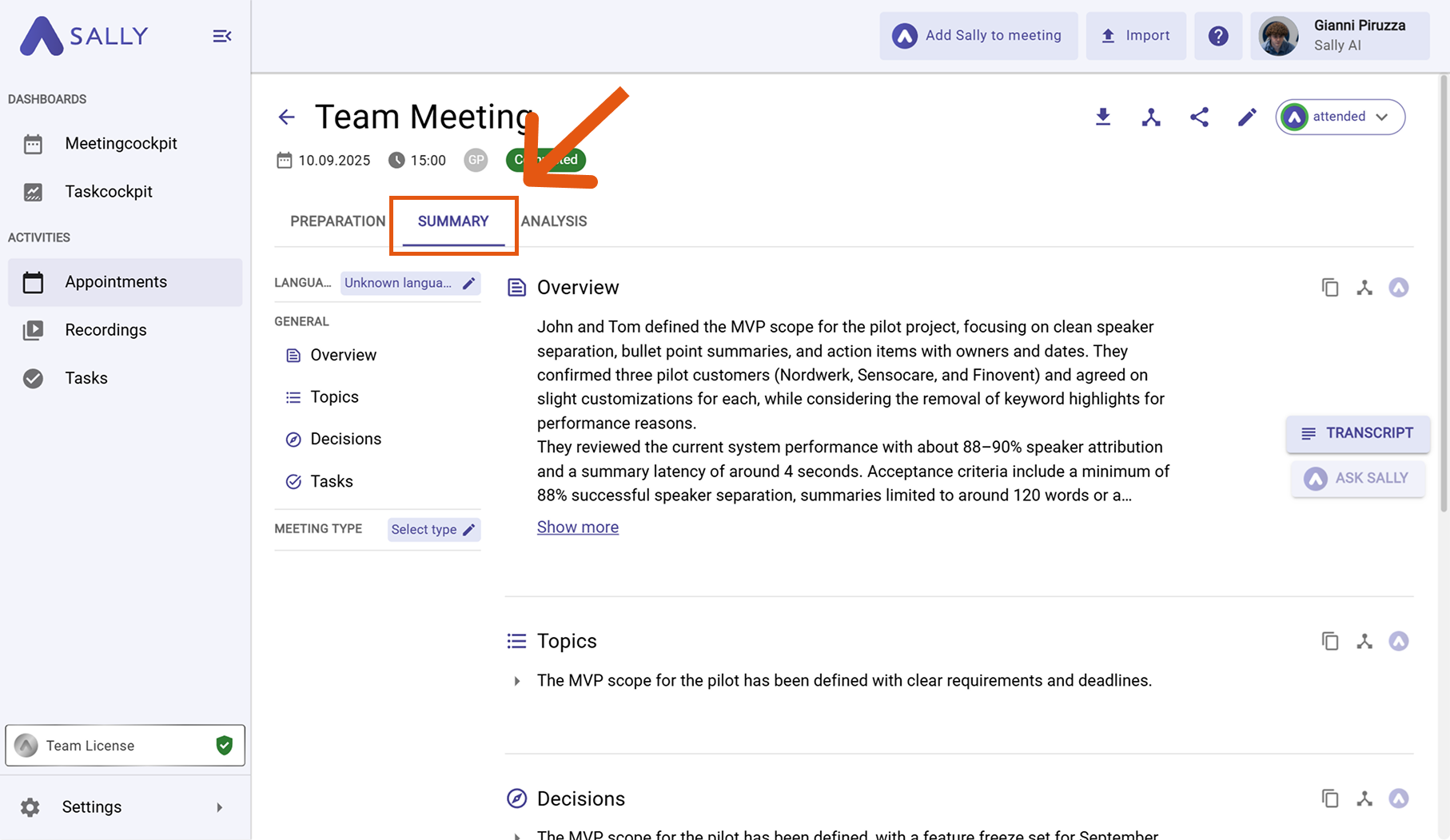
- Switch to the Summary tab. You will see the full summary with key topics, decisions, tasks, and next steps.
tip
For more details on how summaries are structured and what each section contains, see the full guide: Summary explained.