Share Your Results
You can share your meeting summary with colleagues directly from Sally, even if they don't have a Sally account.
-
Open the meeting and go to the Summary tab.
-
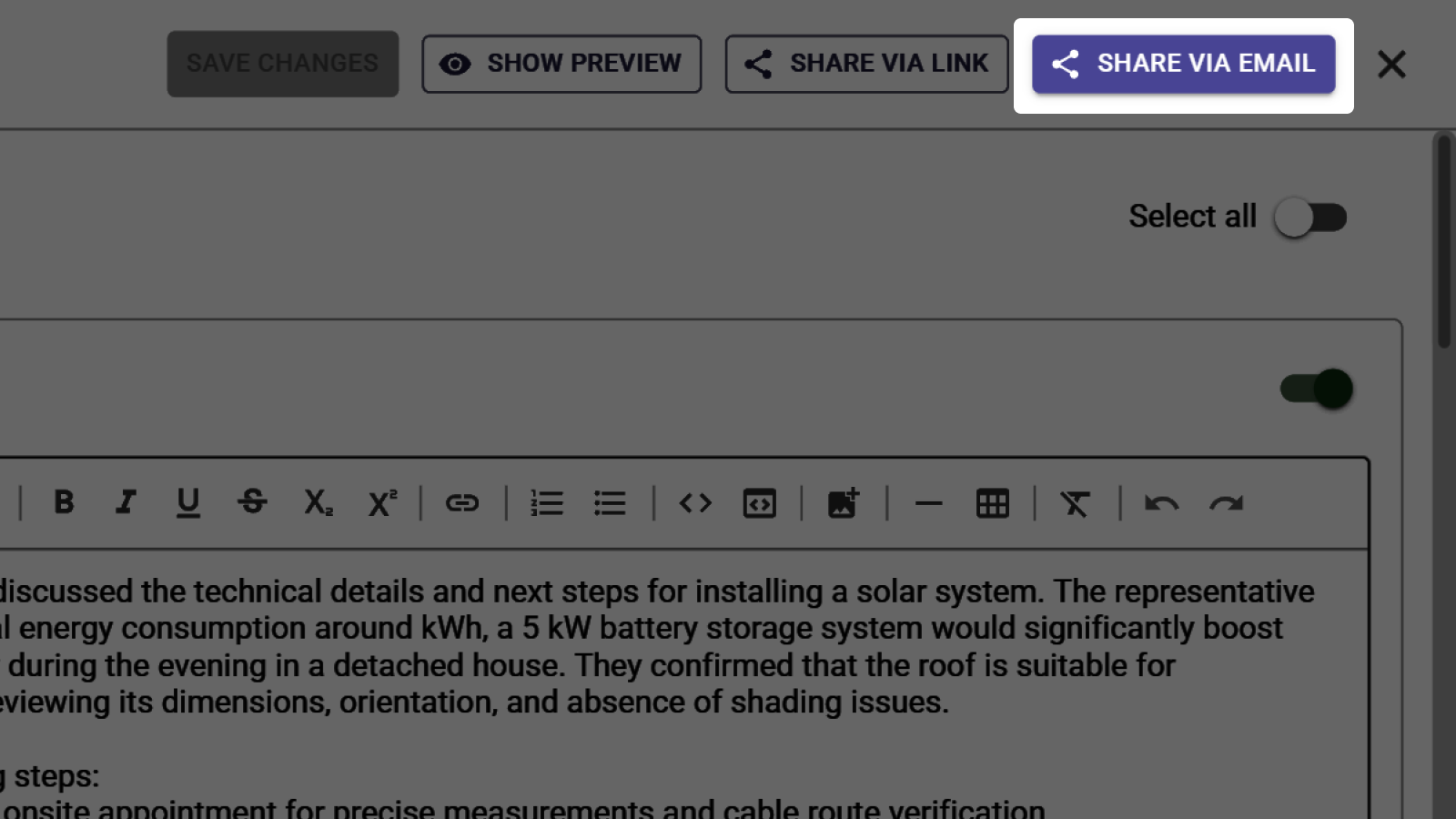
At the top of the summary, you'll find three sharing options:
- Share via link: Generate a shareable link that anyone can open.
- Share via email: Send the summary directly to one or more email addresses.
- Show preview: See how the shared summary looks before sending.
tip
For all details on sharing options, email recipients, and export formats, see the full guide: Personalize summary.