Download Your Summary
You can export your meeting summary in multiple formats directly from Sally.
Available formats
Portable Document Format (.pdf), Word (.docx), Markdown (.md), Text (.txt), OpenDocument (.odt)
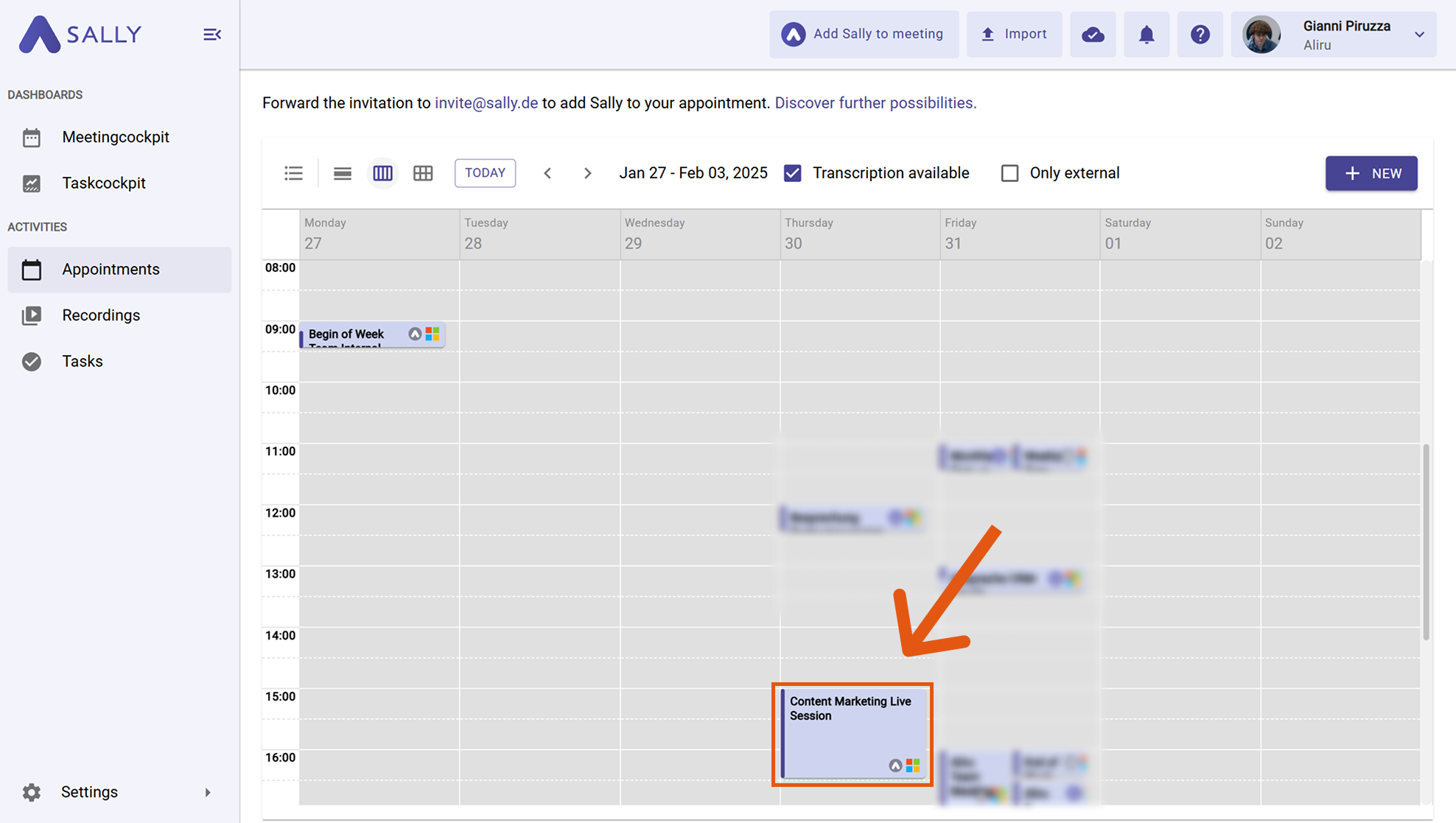
- Open the meeting and go to the Summary tab.
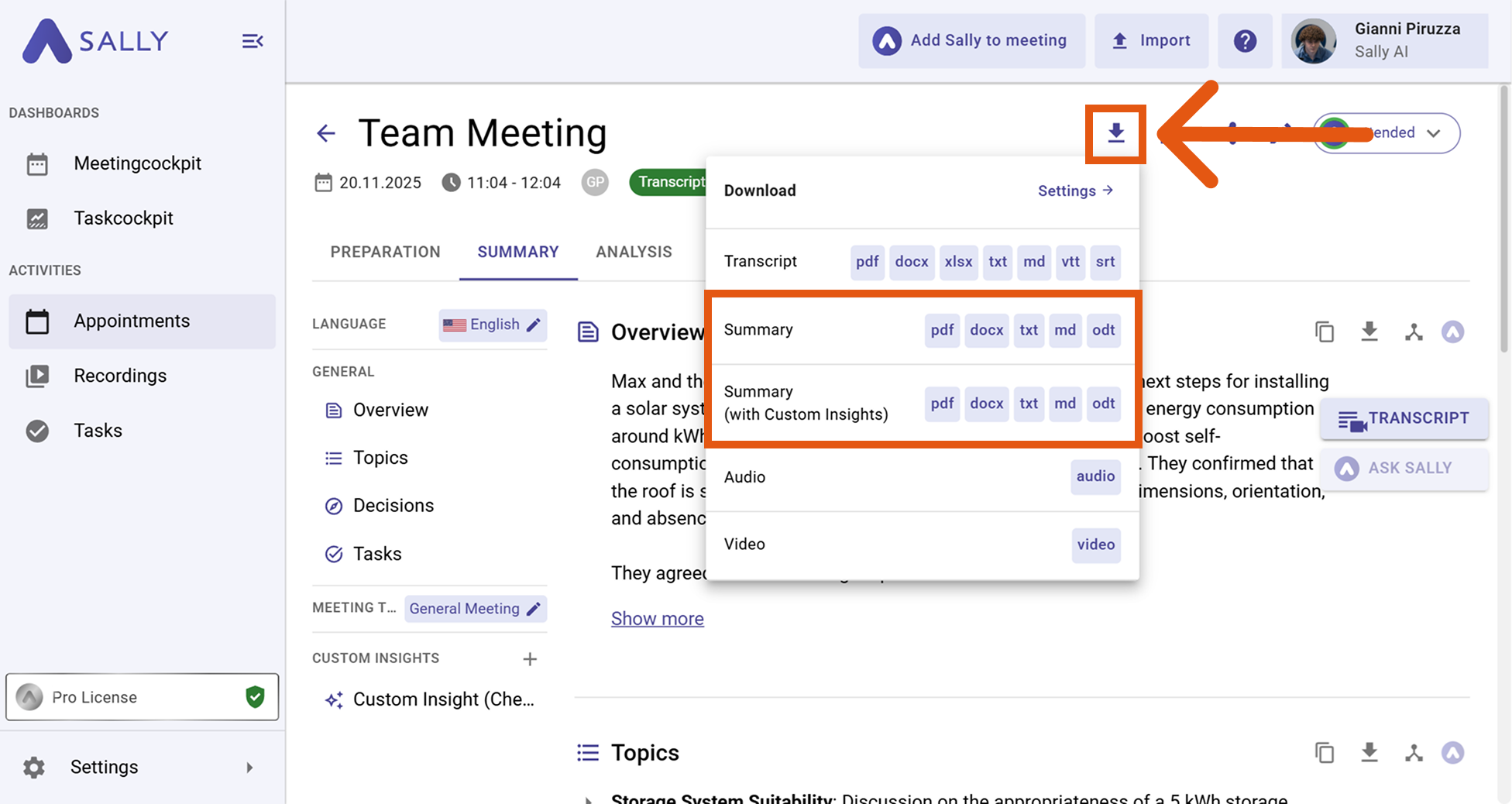
- Click the download icon at the top of the summary. Choose your preferred format: PDF, Word, Markdown, TXT, or ODT.
tip
You can customize fonts, logos, and layouts for your exports. See the full guide: Download summary.