Query Meeting Content
All your meetings, transcripts, and summaries are stored in Sally. You can search through them at any time.
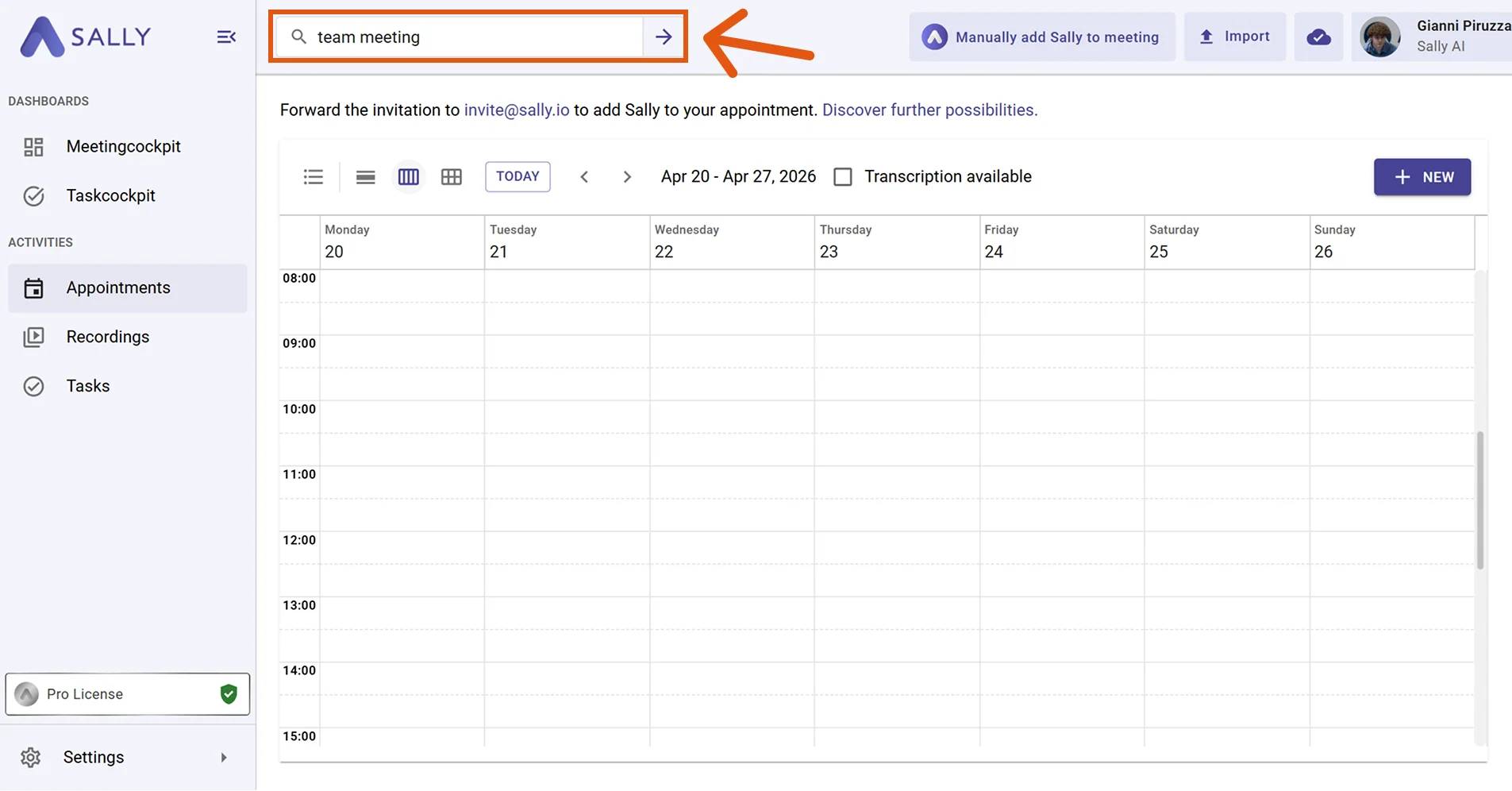
- Use the search bar at the top of Sally. Type a question like "What was discussed with Acme Corp?" or search for keywords, speakers, or topics.
Try these questions
- "What did I last discuss with Max?"
- "What decisions were made in the sprint review?"
- "What are the next steps for the homepage relaunch project?"
- "Who is taking care of the proposal task?"
- "What was said about the Q3 budget planning?"
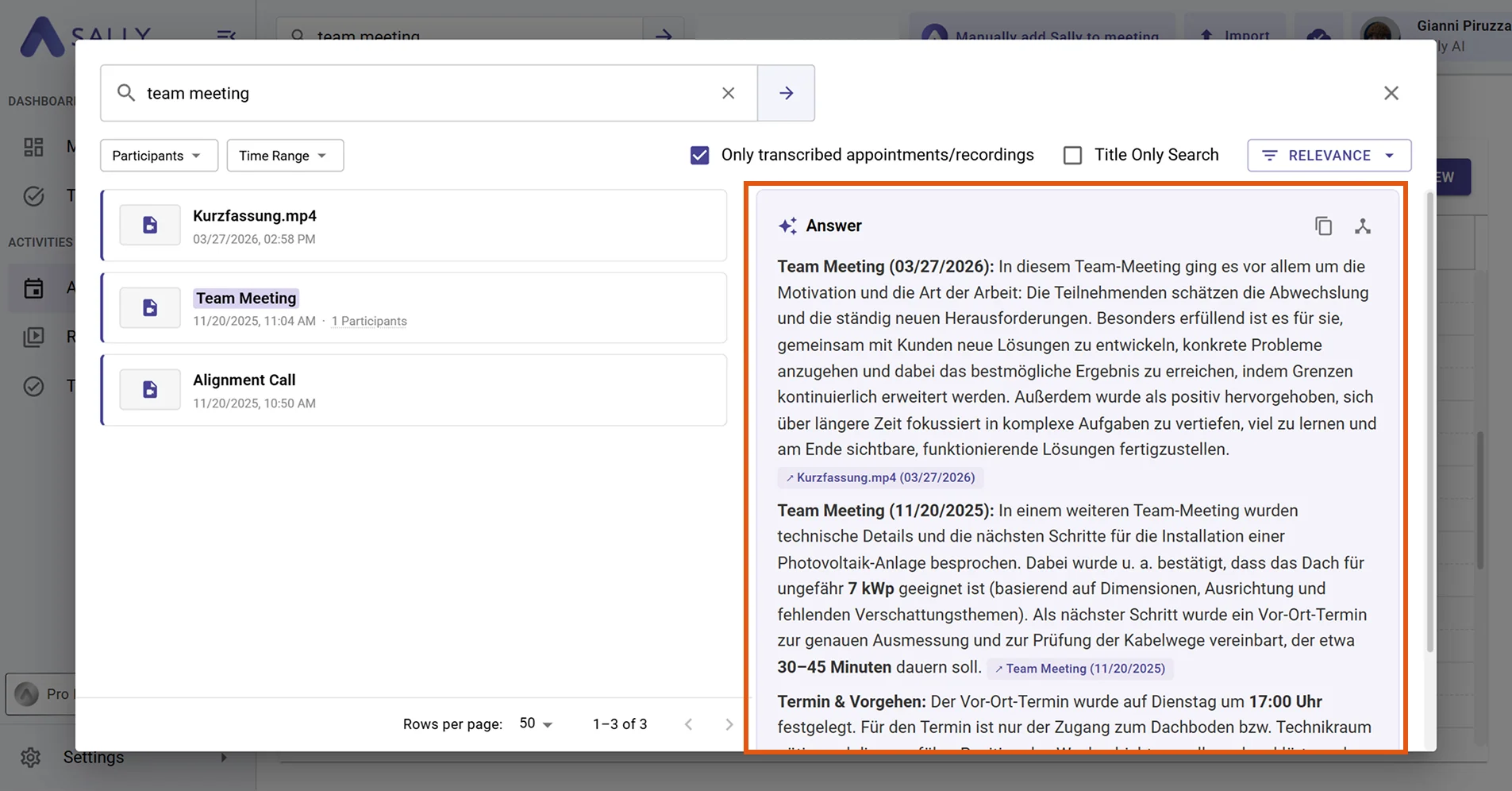
- Sally returns matching results with an AI-generated answer that summarizes the most relevant information across your meetings.
tip
For advanced filtering options and more examples, see the full guide: Meeting search.