Share your results

You can share your meeting summary with colleagues directly from Sally, even if they don't have a Sally account.

  1. Open the recording and click Share in the top right corner, next to Download and Integrations.
Share button in the top right corner of a recording in Sally
Figure 1: Open the sharing options
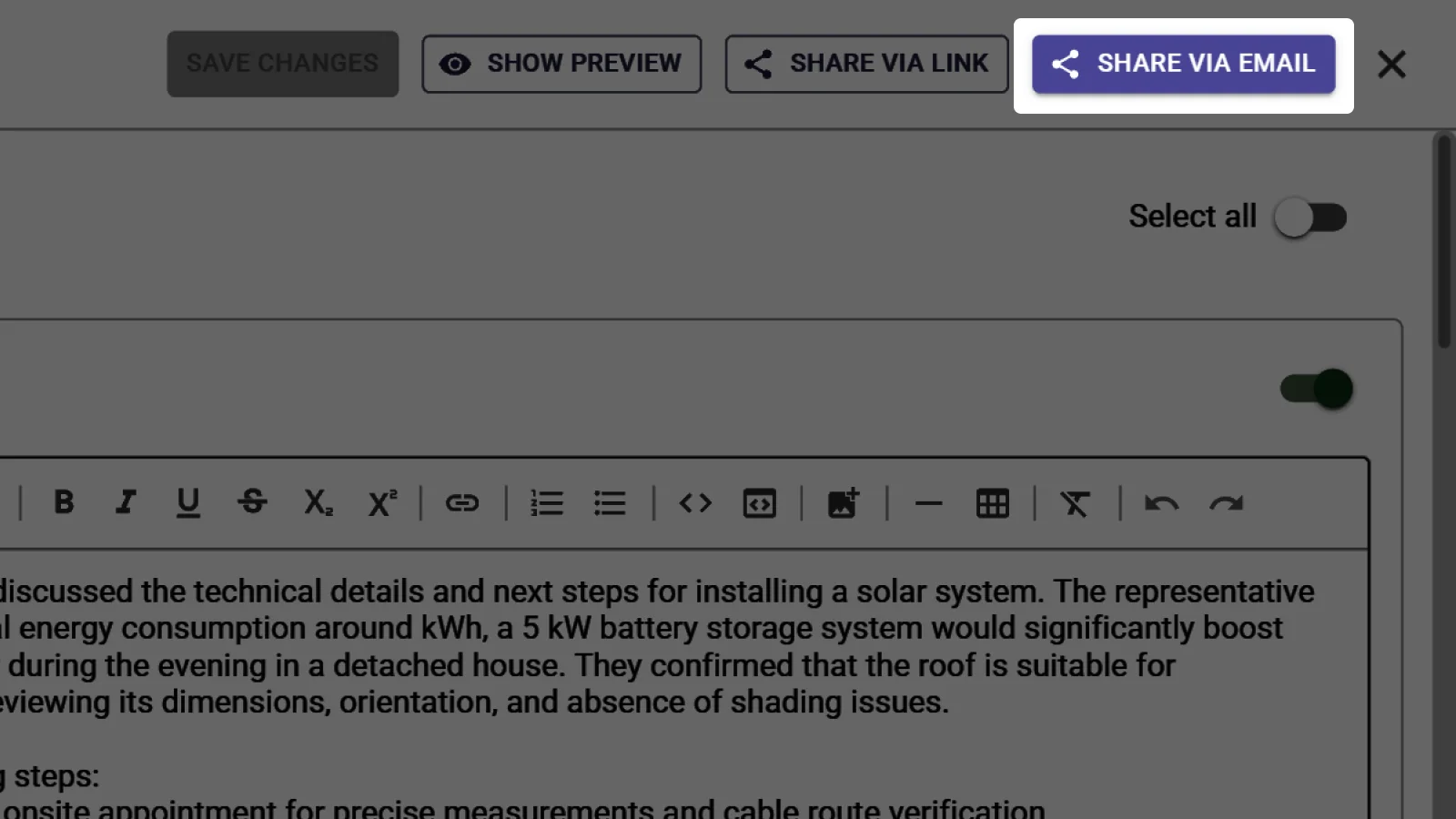
  1. The sharing panel opens and Sally creates a report for this recording automatically. The report is stored under Reports, so you can edit it later at any time.

  2. Under Share all sections you decide how much you want to pass on. Leave the toggle on to share the whole report, or open it up and tick only the parts you want.

  3. Then pick how you want to share:

    • Send by email: Enter one or more email addresses, optionally add a personal message, and click Send.
    • Share by link: Click Copy link and pass the link on yourself.
Sharing panel in Sally with email recipients, section selection, and the Send button
Figure 2: Share the report by email or link
Info

Anyone with the link can view the report. You can revoke access at any time by deleting the report.

Tip

For every detail on links, expiry dates and security codes, see the full guide: Share summary.