Download Your Summary
You can export your meeting summary in multiple formats directly from Sally.
Available formats
Portable Document Format (.pdf), Word (.docx), Markdown (.md), Text (.txt), OpenDocument (.odt)
- Open the meeting and go to the Summary tab.
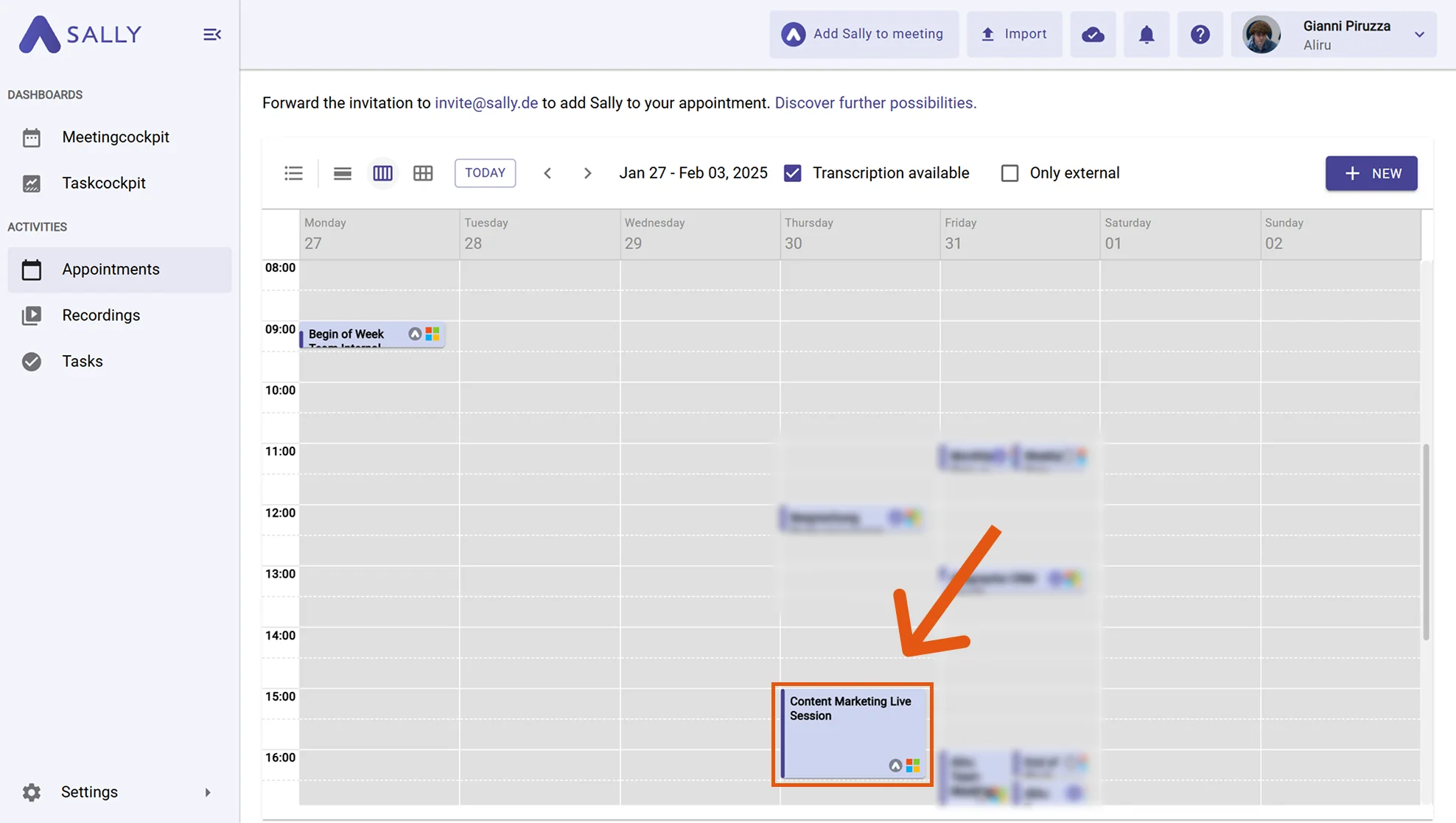
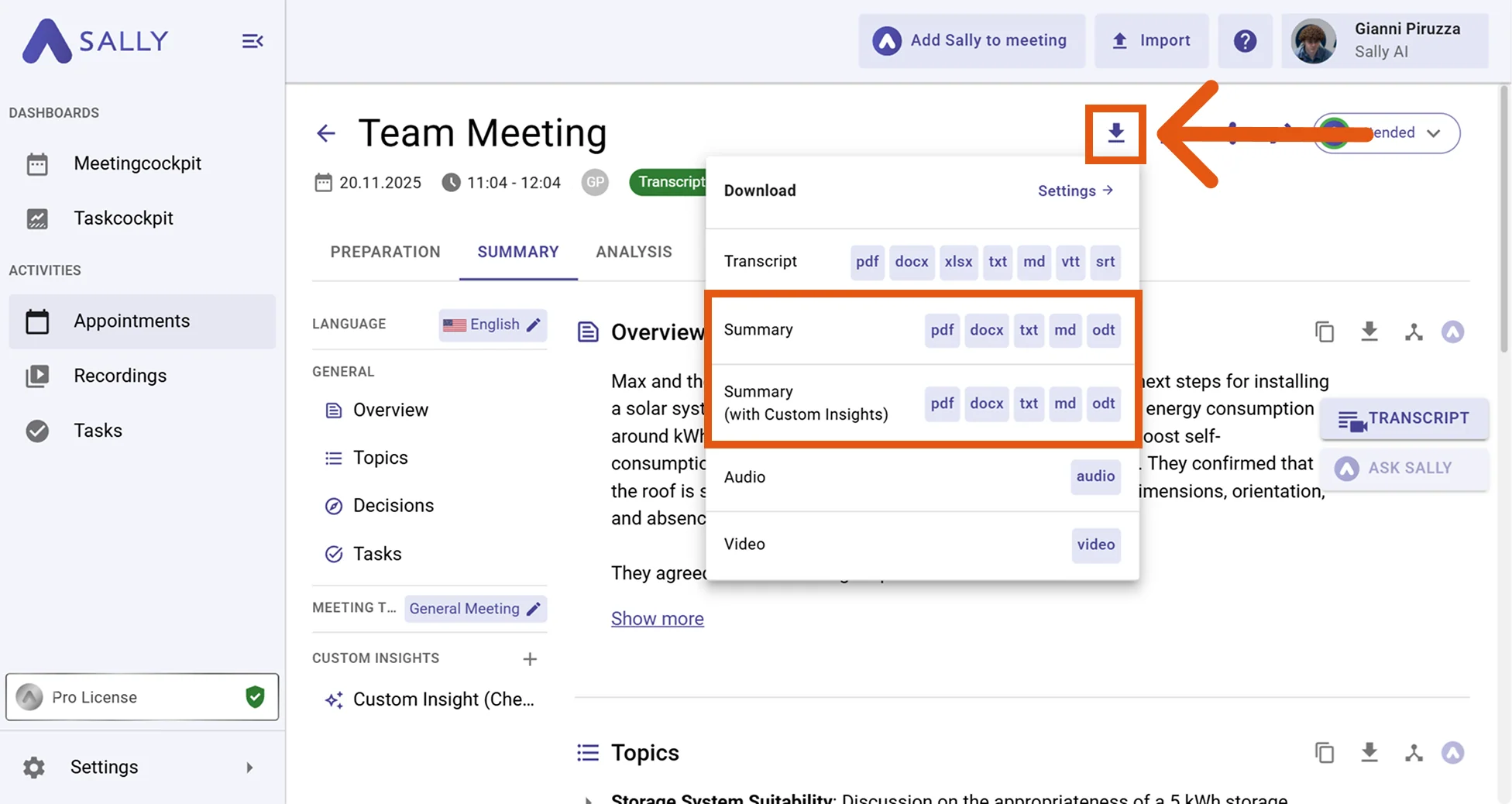
- Click the download icon at the top of the summary. Choose your preferred format: PDF, Word, Markdown, TXT, or ODT.
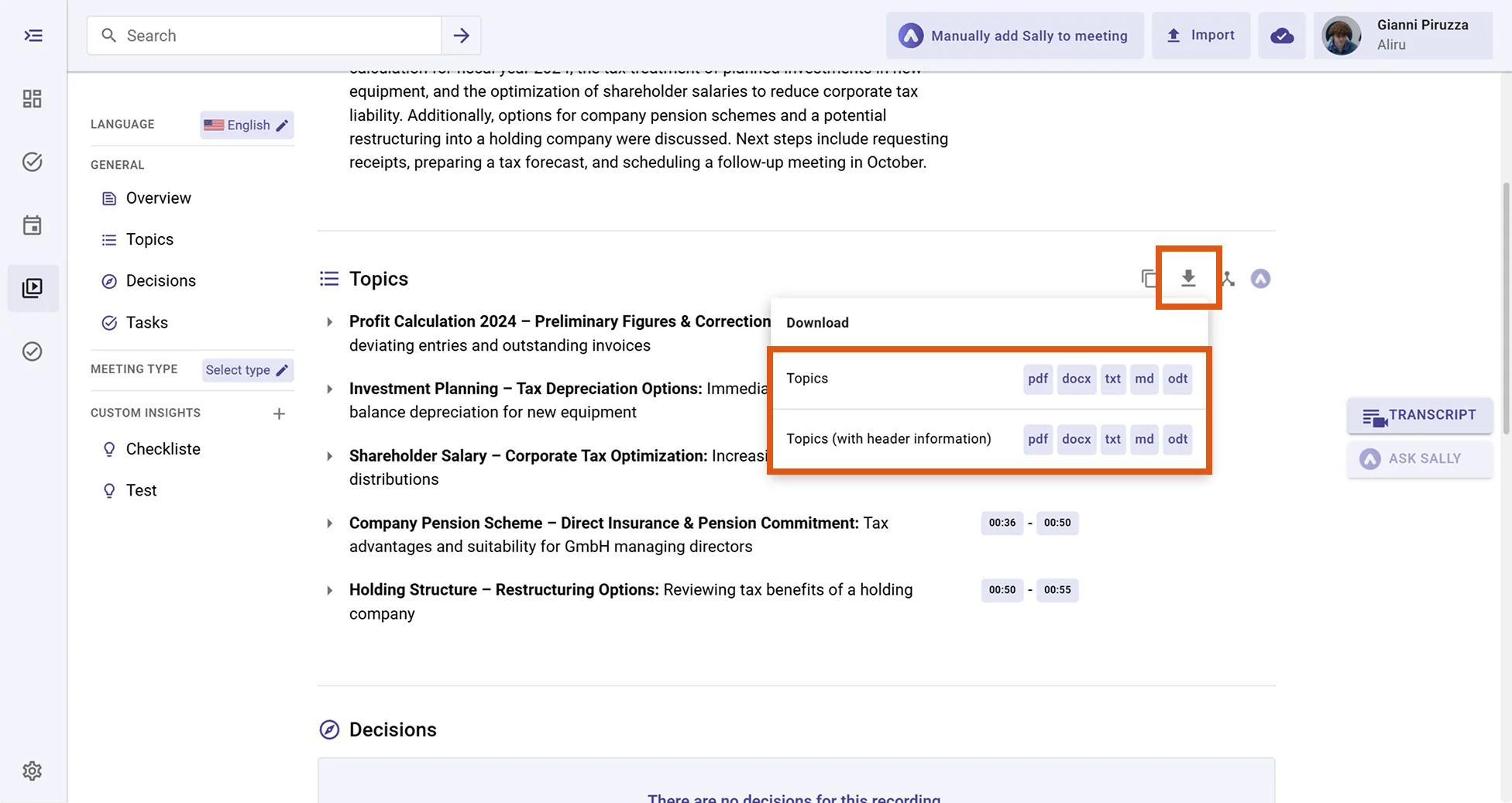
Download a single section
You don't have to export the whole summary. Each section, such as Topics, Decisions, or Tasks, has its own download icon. Click it to export just that section, with or without the header information, in any of the available formats.
tip
You can customize fonts, logos, and layouts for your exports. See the full guide: Download summary.