October 20, 2026: HR4YOU integration for interview results
· 2 min read

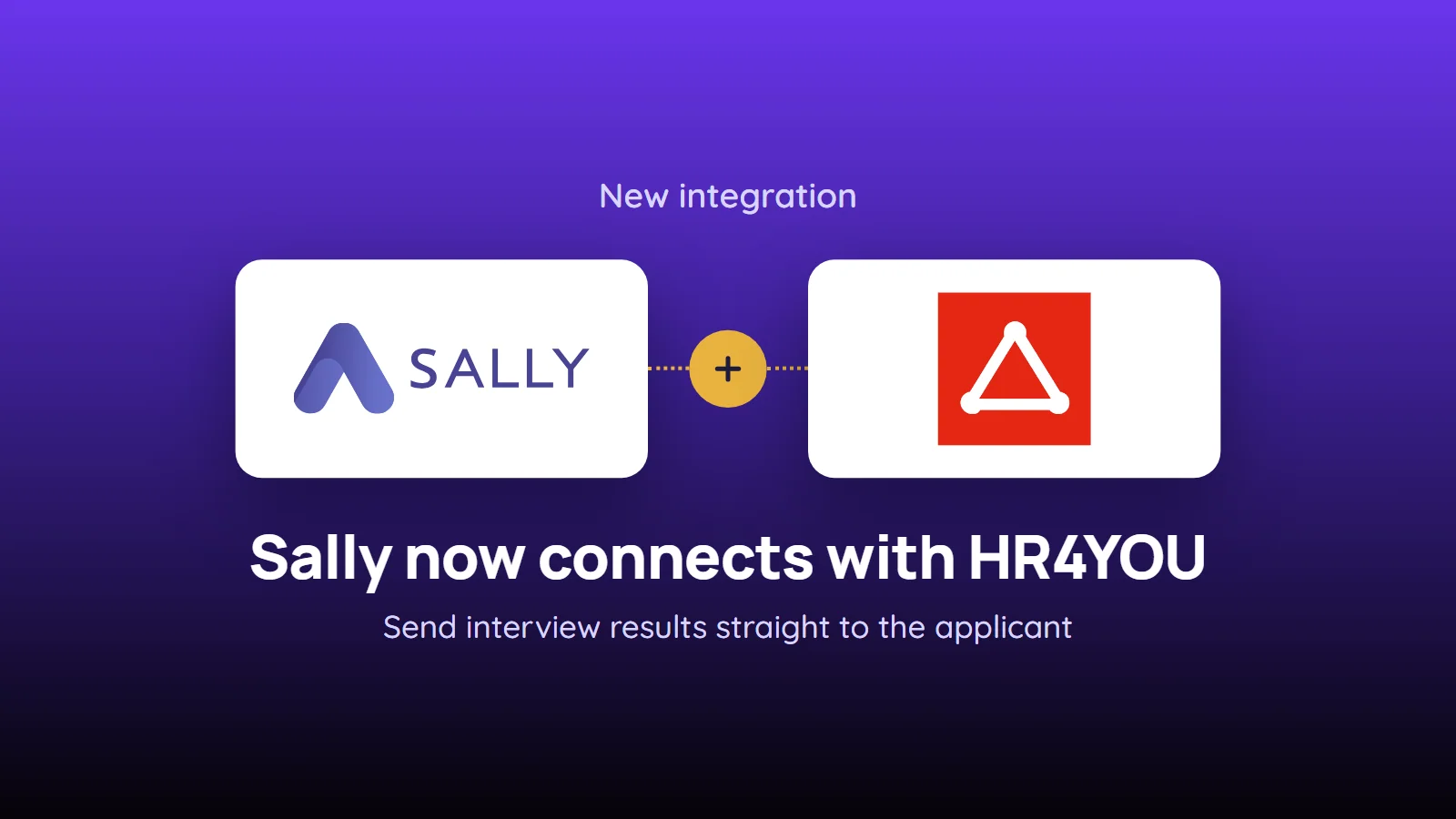
Sally now connects with HR4YOU: the results of your applicant interviews go straight to the matching applicant or company in your HR4YOU system.
Instead of retyping notes after an interview, you write the summary to the applicant's history, upload it as a document or create a follow-up, in one click. Every member of the organization account connects with their own HR4YOU login, so entries in HR4YOU always carry the name of the person who sent them.
What's new?
- New HR category: under Integrations, click Add integration, pick the HR category and select HR4YOU. You connect with your Customer system, your HR4YOU username and your password
- History entry for an applicant: Create history entry for applicant in HR4YOU writes the outcome of the interview to the applicant's history, with a type from your own HR4YOU such as "Interview held"
- Document for an applicant: Upload document to applicant in HR4YOU attaches the summary to the applicant as PDF or Word (DOCX), as an internal document if only your team should see it
- Follow-up for an applicant: Create follow-up for applicant in HR4YOU with subject, optional due date and description. In HR4YOU you are set as the person responsible
- Follow-up for a company: Create follow-up for company in HR4YOU for next steps with the client, such as feedback on the candidate
- Whole summary, section or single line: Integrations at the top right of the recording sends the whole summary, the icon on a section sends that section, and the icon on a single line sends exactly that item
Before you connect
- Address of your system: Sally only accepts addresses that start with
https://and belong to.hr4you.org. The easiest way is to copy the address from your browser while HR4YOU is open - IP allowlist: if your HR4YOU only accepts requests from approved IP addresses, add Sally's addresses
167.233.210.254,167.235.234.62and46.225.144.3 - Permission: whether an integration may be connected at all is up to owners and admins
Want the details? See How to integrate HR4YOU with Sally AI.