October 19, 2026: Uploads run in the background and you can upload later in the Sally app
· 2 min read

Record the next meeting right away: after you tap Upload, the Sally app now goes straight back to the list of recordings. The upload continues in the background under Pending uploads.
So an upload no longer holds you up when meetings follow each other closely. And if you would rather send a recording later, for example at the end of the day, you can now do that too.
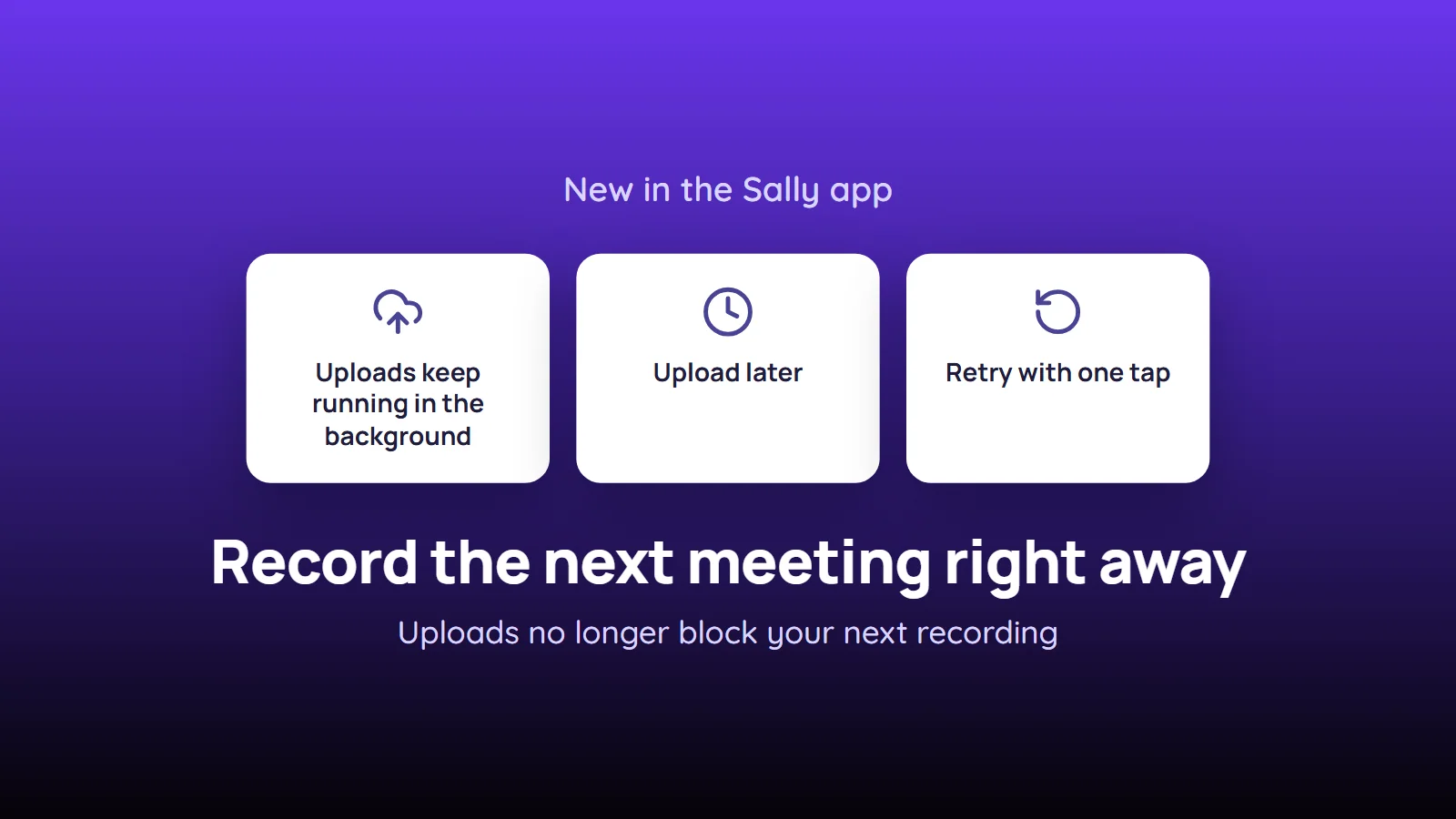
What's new?
- Upload in the background: after Upload or Without assignment, the app returns to the list right away. Pending uploads shows a percentage and a progress bar, and you can start the next recording with the microphone button at once
- Upload later: when you assign a recording, tap Upload later to send it later. The recording keeps its name, appointment, language and number of speakers
- Ready to upload: waiting recordings show Ready to upload in the list. Sally does not send them on her own
- Upload all: tap Upload on a single recording, or Upload all next to Pending uploads to send every waiting recording in the background
- Retry: if an upload is interrupted, the recording shows Upload failed with Retry. Sally also continues the upload on her own the next time she tries
- Nothing gets lost: the file stays on your phone until the server has confirmed it
Want the details? See How do I upload a recording later or retry a failed upload?