October 13, 2026: File meetings in Confluence automatically

· 2 min read

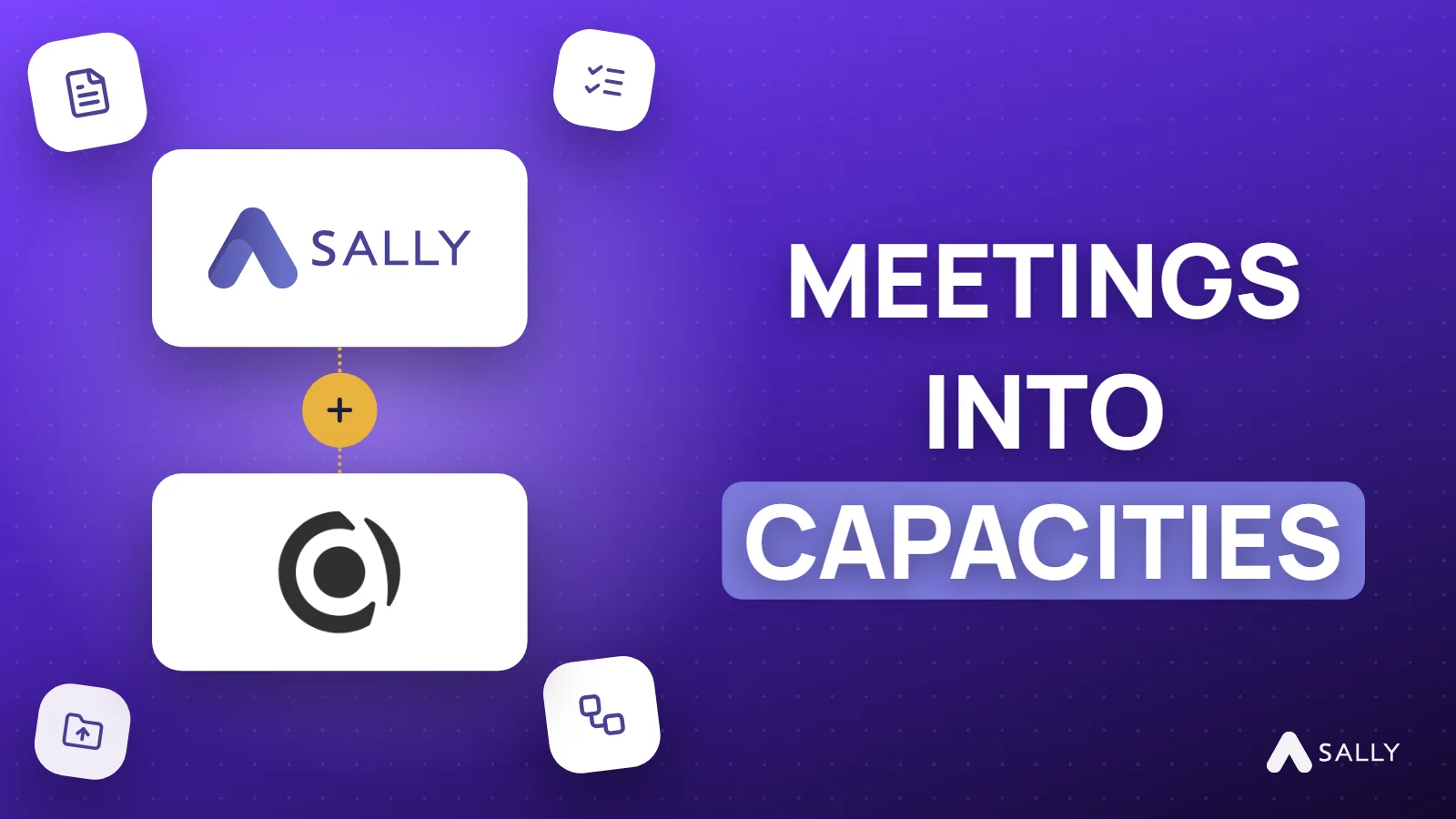
Confluence without the manual export: Sally can now file your meetings in Confluence on her own. After each meeting, an automation creates a new page with the summary and adds it beneath a parent page you pick in advance, such as a customer's meeting notes page.
Tags decide which meetings go where, so every customer call is filed under the right customer without anyone having to think about it.

What's new?
- Save to Confluence: a new automation action. Once the summary is ready, Sally creates the page, never more than one per automation and recording
- Pick the location in the page tree: click through your spaces and pages to the parent page and confirm it with Save here
- Custom page titles: build the title from subject, date, time, weekday, meeting template, organizer and duration
- Fallback rule: one rule per organization picks up every recording that no other organization-wide rule matches. It works with any action, not just Confluence
- Last run: the list of automations shows whether filing worked, and Open page takes you straight to the new page
- Where to find it: Settings → Content Settings → Automations
Want the details? See File meetings in Confluence automatically and Fallback rule.