Sally is an AI-powered meeting assistant that automatically records, transcribes, and summarizes your meetings. Here's how it works, step by step.
How Sally works
Connect your calendar
Connect your Google or Outlook calendar to Sally. Sally automatically detects your upcoming meetings. You decide exactly which meetings she joins.
More about calendar connection →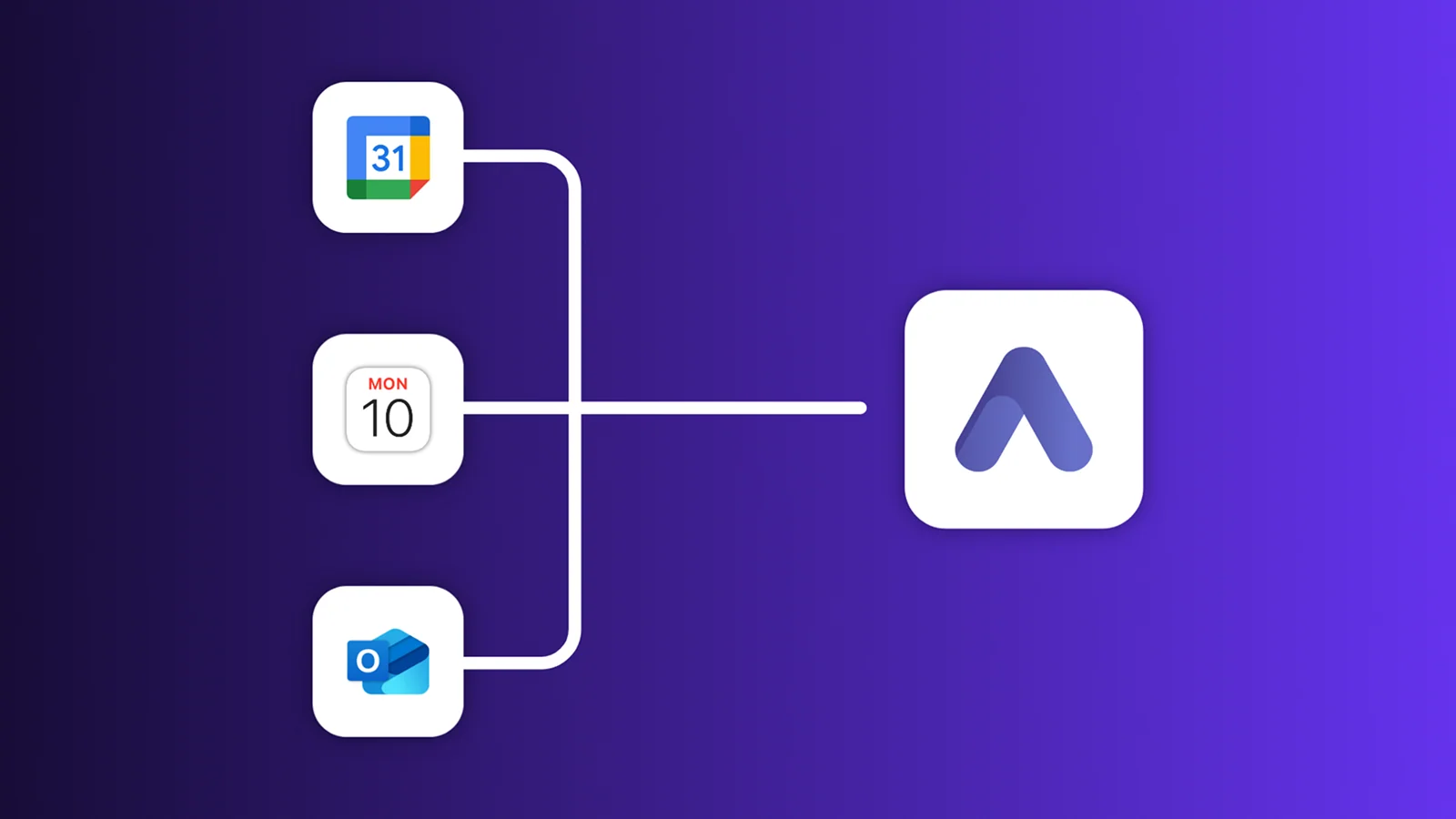
Sally joins and takes notes
Sally automatically joins your meeting in Google Meet, Zoom, Microsoft Teams, or Webex, records the conversation, and transcribes it in the background. The transcript covers 103 languages and tells the speakers apart on its own.
You can also use Sally in other ways: upload video and audio files, record on-site meetings, or invite Sally manually via link.

You receive a summary by email
Shortly after the meeting, you receive an email with a structured summary: the key topics discussed, decisions made, and tasks identified, complete with assigned owners.
More about summary emails →
Open the full summary in Sally
In Sally you'll find the complete report for your meeting: the structured summary, the full transcript, and the recording, all in one place.
More about summaries →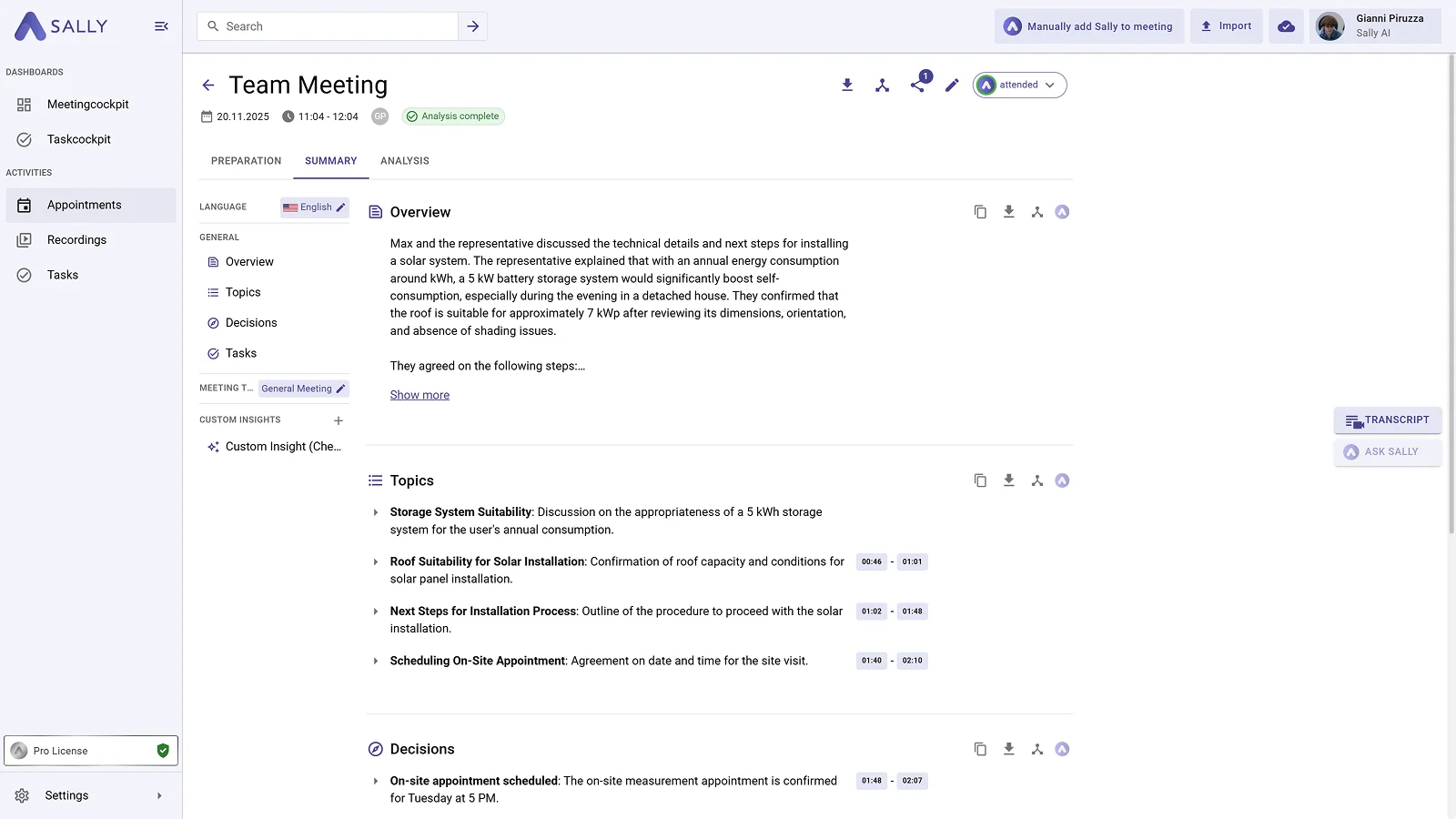
Customize the results
Edit the transcript, adjust the summary, or add custom insights with your own prompts, tailored to your workflow.
More about custom insights →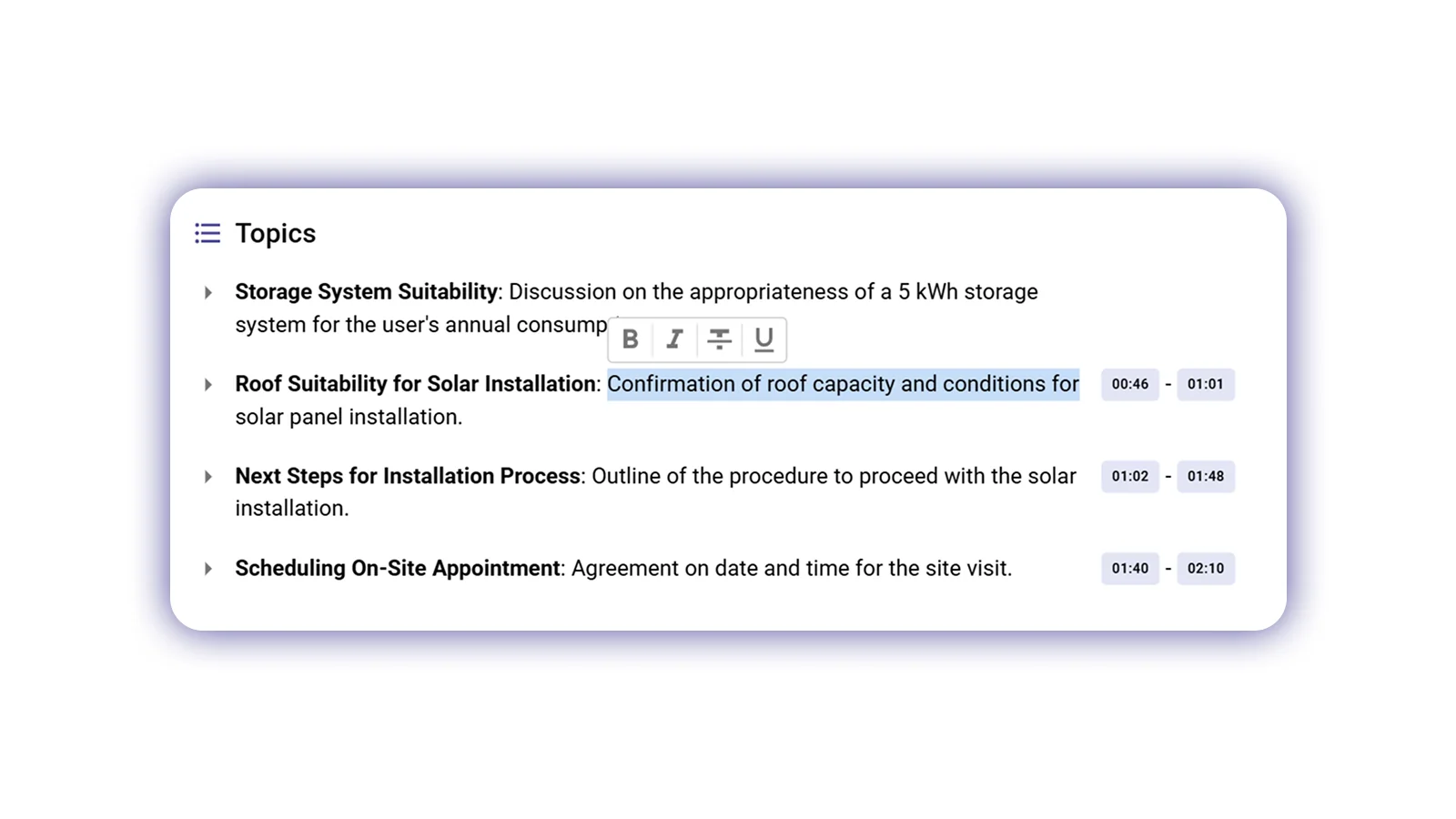
Share the results with your team
Share your summary via link or email directly with your colleagues, even if they don't have a Sally account. You can also export the results as PDF, Word, or Markdown.
More about sharing →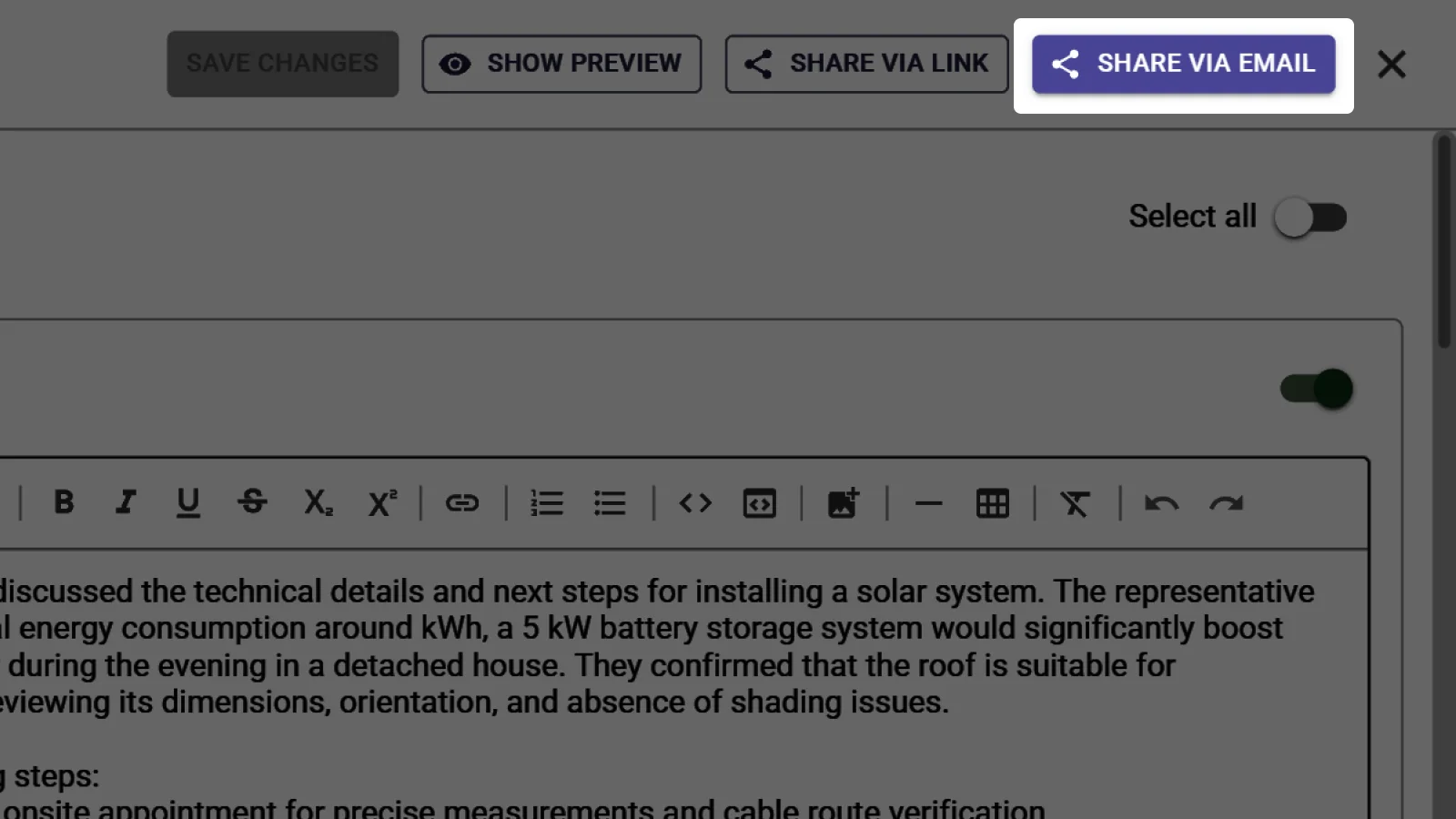
Find your meetings anytime
All your meetings, transcripts, and summaries are stored in Sally. Search through past meetings by keywords, speakers, or dates to find exactly what you need.
More about meeting search →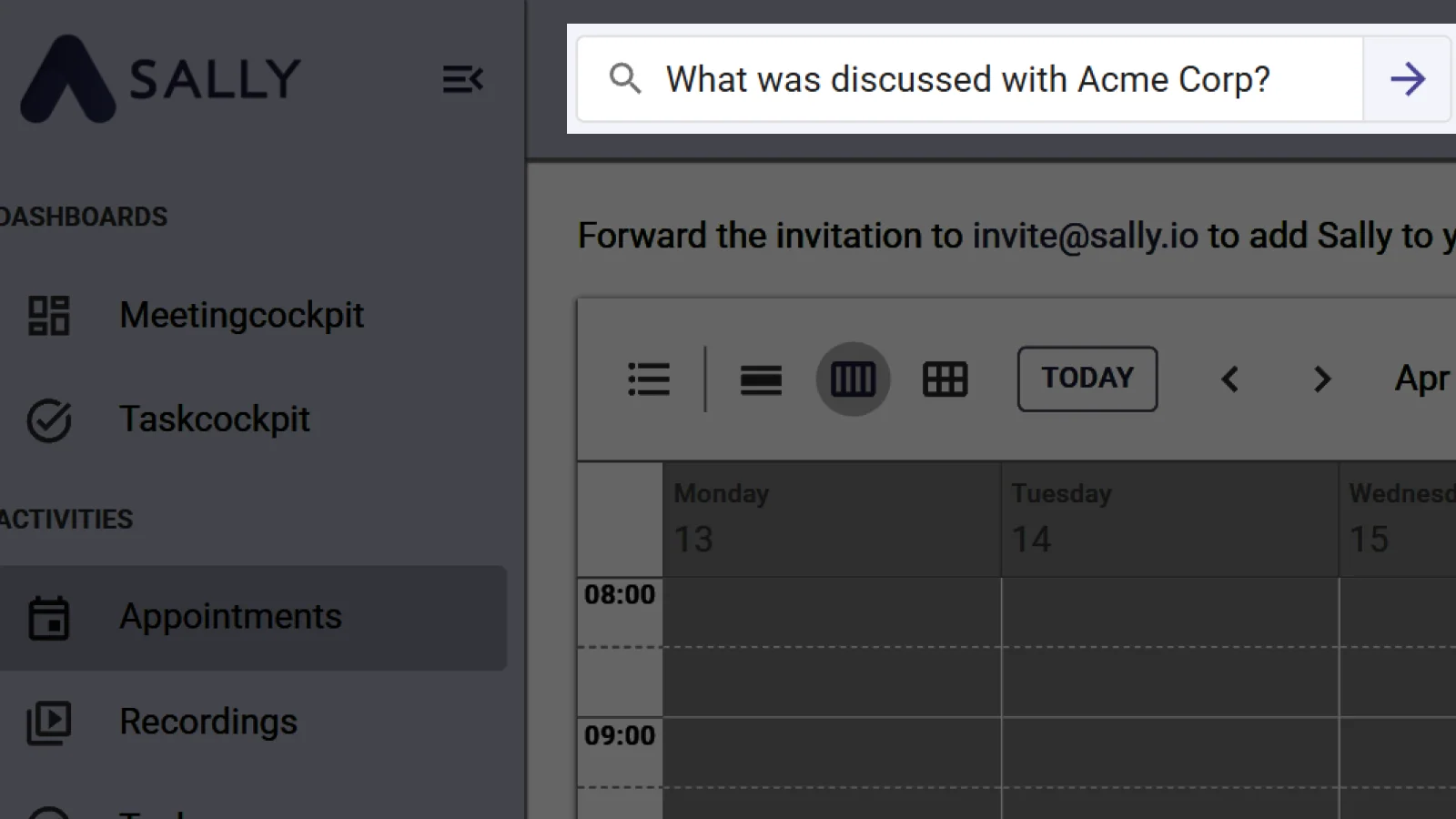
Ready to get started?
Create your free account and let Sally join your next meeting.